
Whole-Home Wi-Fi Installation · Northern Virginia & Montgomery County, MD
Whole-home WiFi installation, engineered for the property.
Dead zones, weak signal upstairs, and frozen video calls often come from where the Wi-Fi equipment sits and how it is connected, not from the internet line. We plan and install wired access points so the rooms you use get a strong signal.
The first conversation is free, and Eric Enkh replies personally.
01Common problems
Where the Wi-Fi gives out.
Four problems we’re often asked to fix, and what we do about each.
Strong by the router, weak upstairs.
We add access points on the floors that need them, each cabled back to the network equipment where the house allows.
Video calls break up in the office.
The office gets an access point of its own, so calls don’t depend on a signal that has crossed walls and floors to reach it.
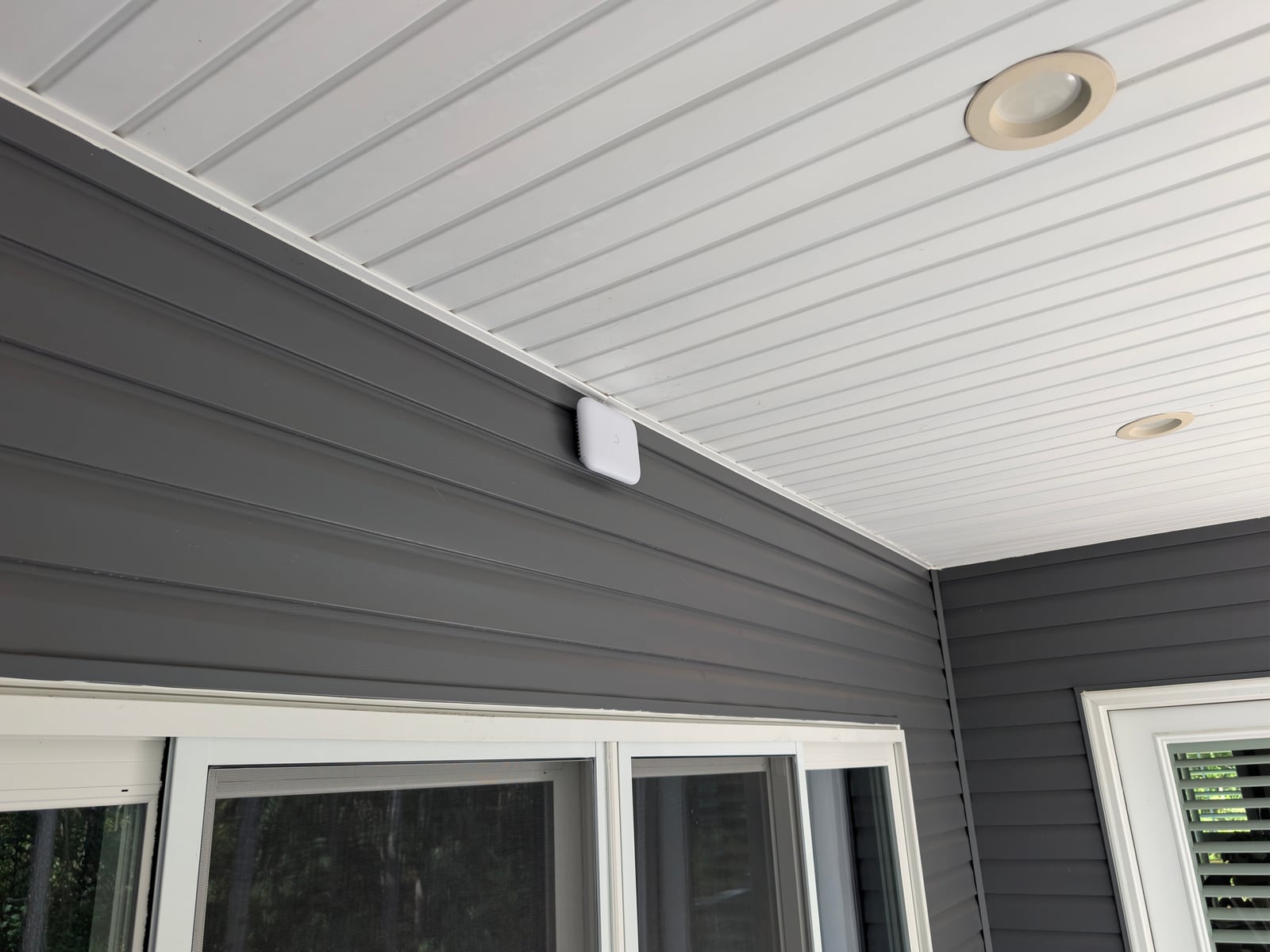
Nothing on the porch, the patio, or by the pool.
Outdoor-rated access points cover the outdoor areas you use. A guest house or barn is an Estate Networks project.
Mesh that slows down further out.
We run cable to the far access points where the house allows, instead of relaying the signal. Mesh stays where it works well.
- Two plans of the same house. On the main level the internet line comes into a utility room at one end, beside the kitchen; a living room with a masonry fireplace sits at the far end, with a screened porch off it. Upstairs are two bedrooms, a bath, a primary bedroom, and an office.
- As the house is, one router in the utility room covers the rooms near it, and less reaches the far end, the porch, and the rooms a floor up. Floors, masonry, and distance each weaken the signal.
- As planned, access points hang in the kitchen, the living room, the porch, and the upstairs hall, each on its own cable from the network equipment in the utility room; the upstairs cable climbs a chase beside the stair. Coverage is drawn as what the plan aims for, not a measurement.
- Before handover, coverage is checked in the rooms the owner agreed on, and the access points and their cables go into the record.
- Router, where the internet line comes in
- Access point
- Cable run, back to the network equipment
- Coverage the plan aims for, not a measurement
Plans · representative home · not to scale
As it is, then as planned
Step 1 of 4 · As it is
Where the signal starts
The router sits where the internet line comes in, often a utility room at one end of the house. Rooms near it do well; rooms upstairs and at the far end get what is left.
Step 2 of 4 · As it is
What the house takes away
Floors, masonry, and distance each weaken the signal on its way. A faster internet plan changes what reaches the router, not how far the Wi-Fi goes.
Step 3 of 4 · As planned
Access points where you live
Access points go in the rooms and outdoor areas you use, each on its own cable back to the network equipment where the house allows.
Step 4 of 4 · As planned
Checked before handover
Coverage is checked in the rooms you agreed on, and where each access point is and how it is cabled go into the record you keep.
Illustrative layout. Access-point placement, cable routes, and coverage targets are confirmed for each property.
02Completed projects
Three recent projects, three different problems.
Existing home · Great Falls, VA · March 2026
Coverage where it had failed, upstairs and in the basement.
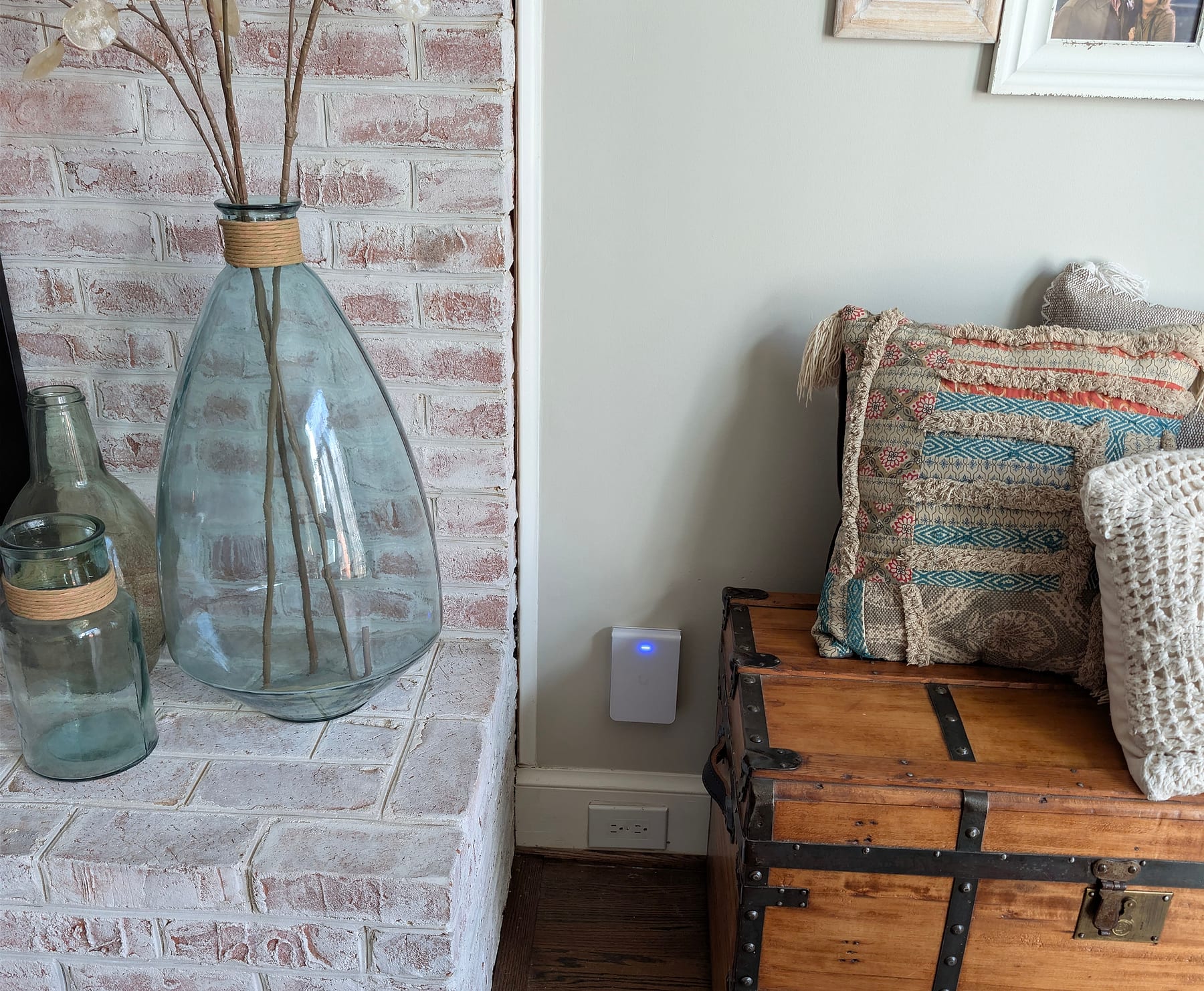
In a lived-in home of more than 4,000 square feet, the basement gym and the second-floor bedrooms had dead zones. We placed access points in the living room, on the second floor, and in the basement, and checked coverage at handover.
Read the Great Falls project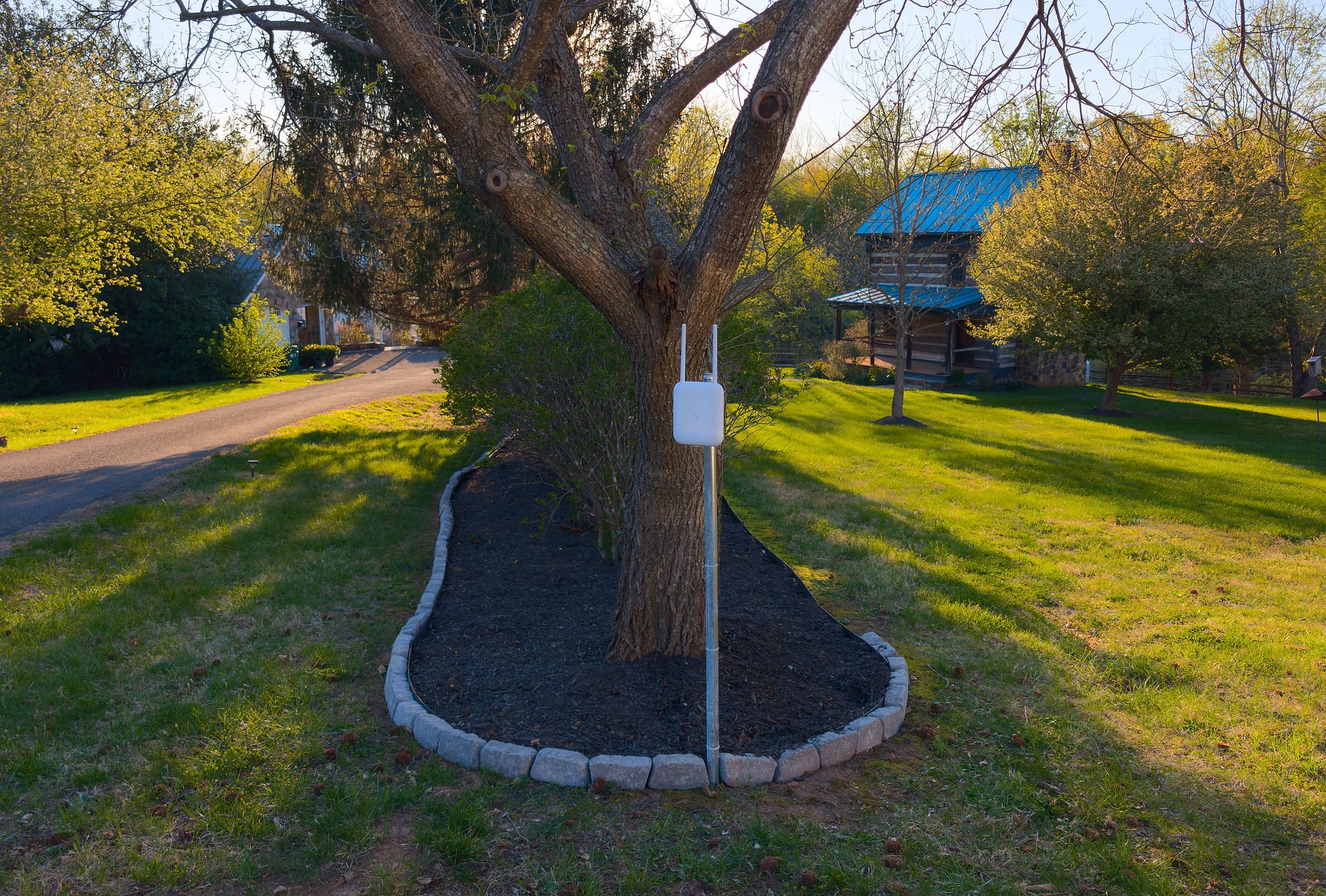
Outdoor · Castleton, VA · April 2026
One network for the house, pavilion, and cabin.
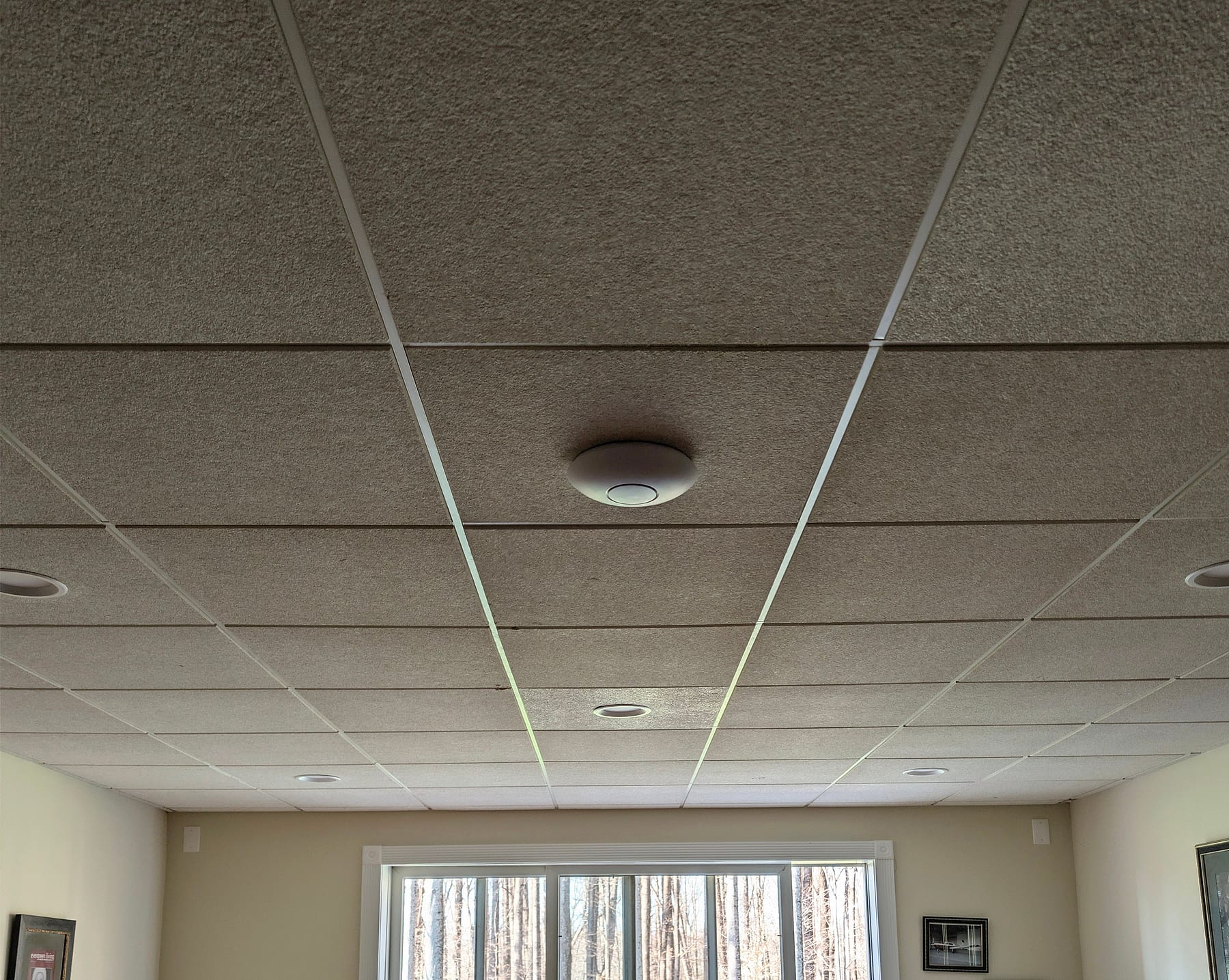
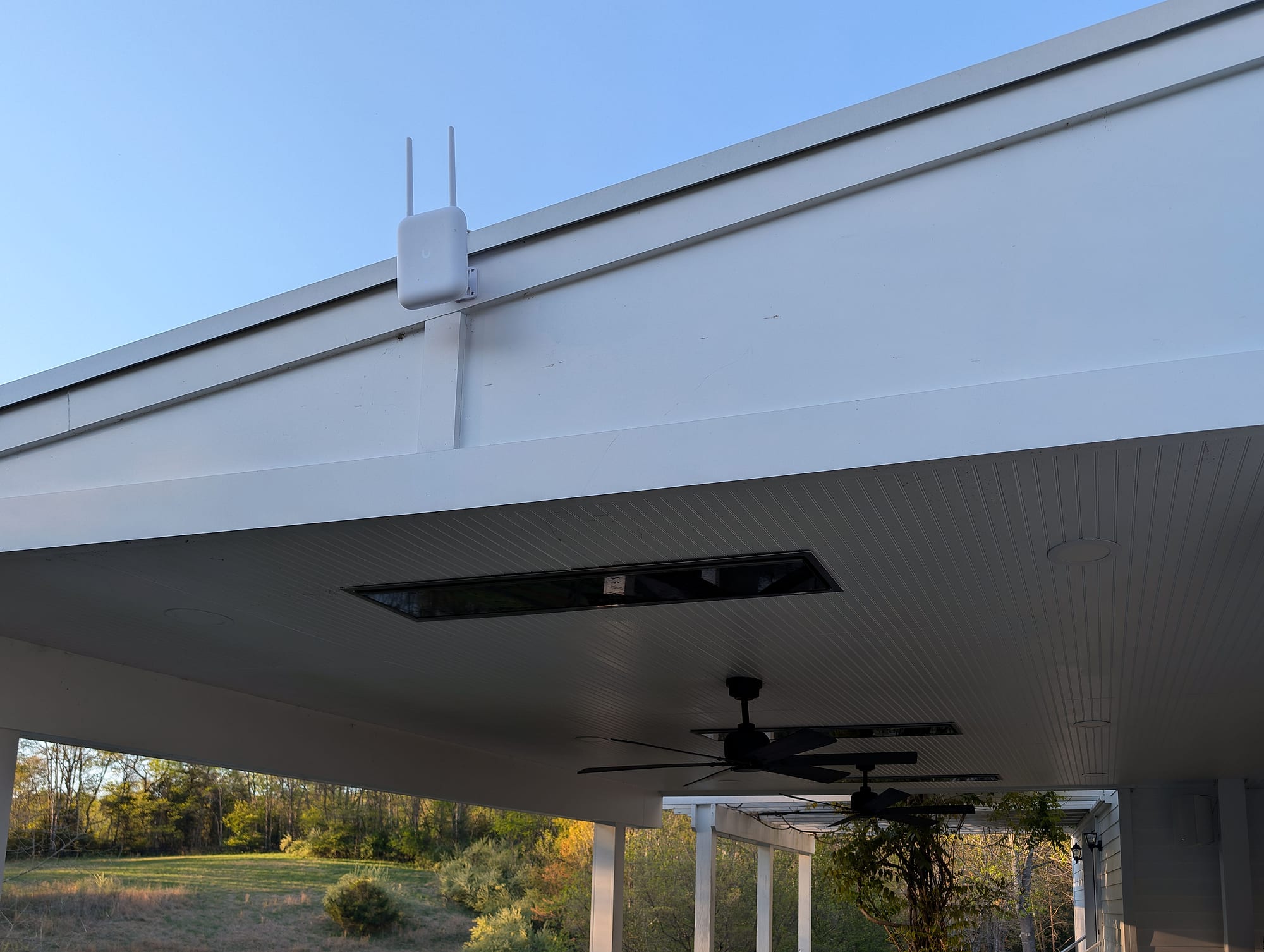
The outdoor access point that served a log cabin had failed. Three outdoor access points now cover the pavilion, the driveway, and the main house, cabled back to the house, under one network name, so phones move between them on their own. Coverage and roaming were checked between them at commissioning.
Read the Castleton project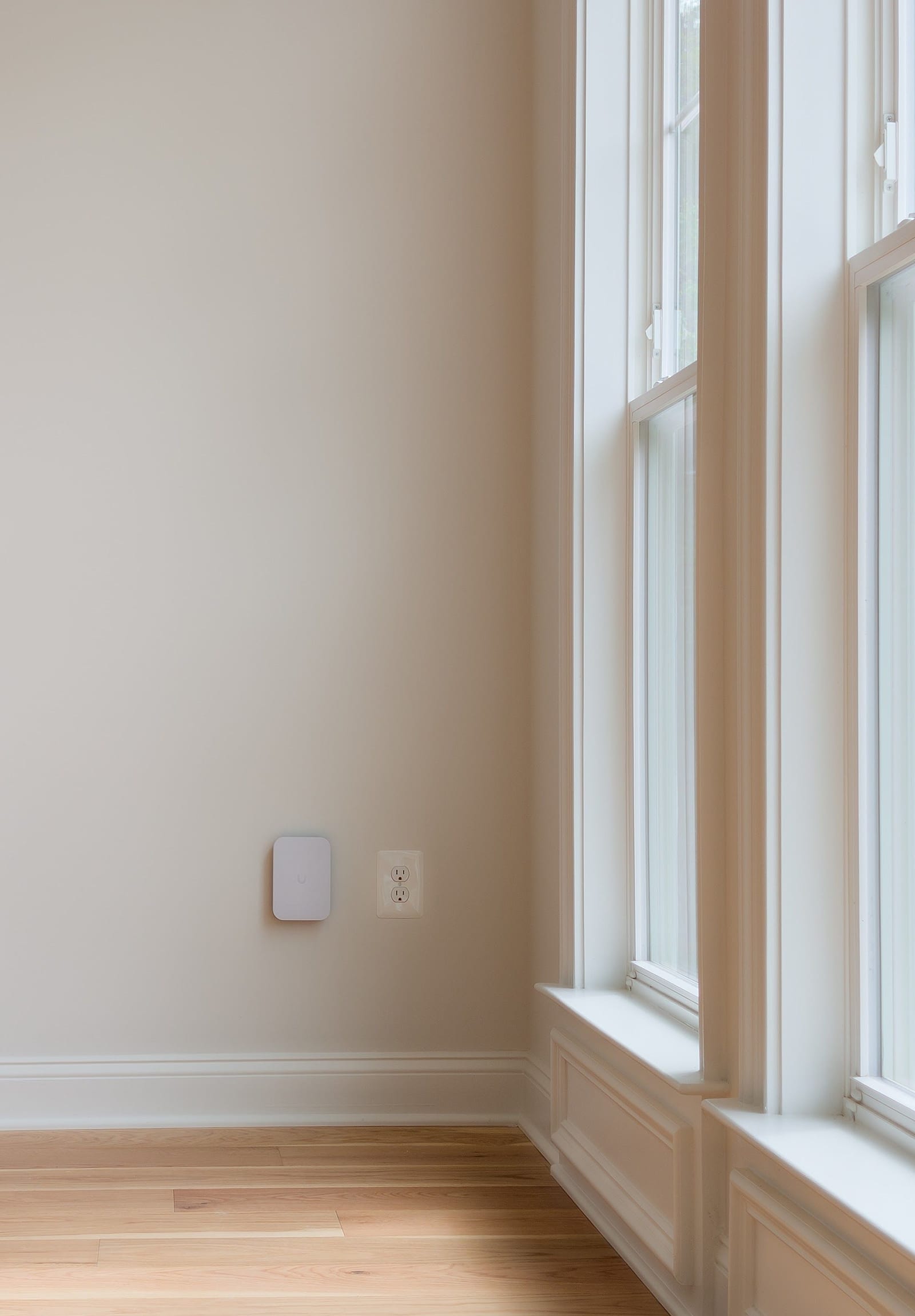
New construction · Loudoun County, VA · May 2026
Cabled before the walls closed.
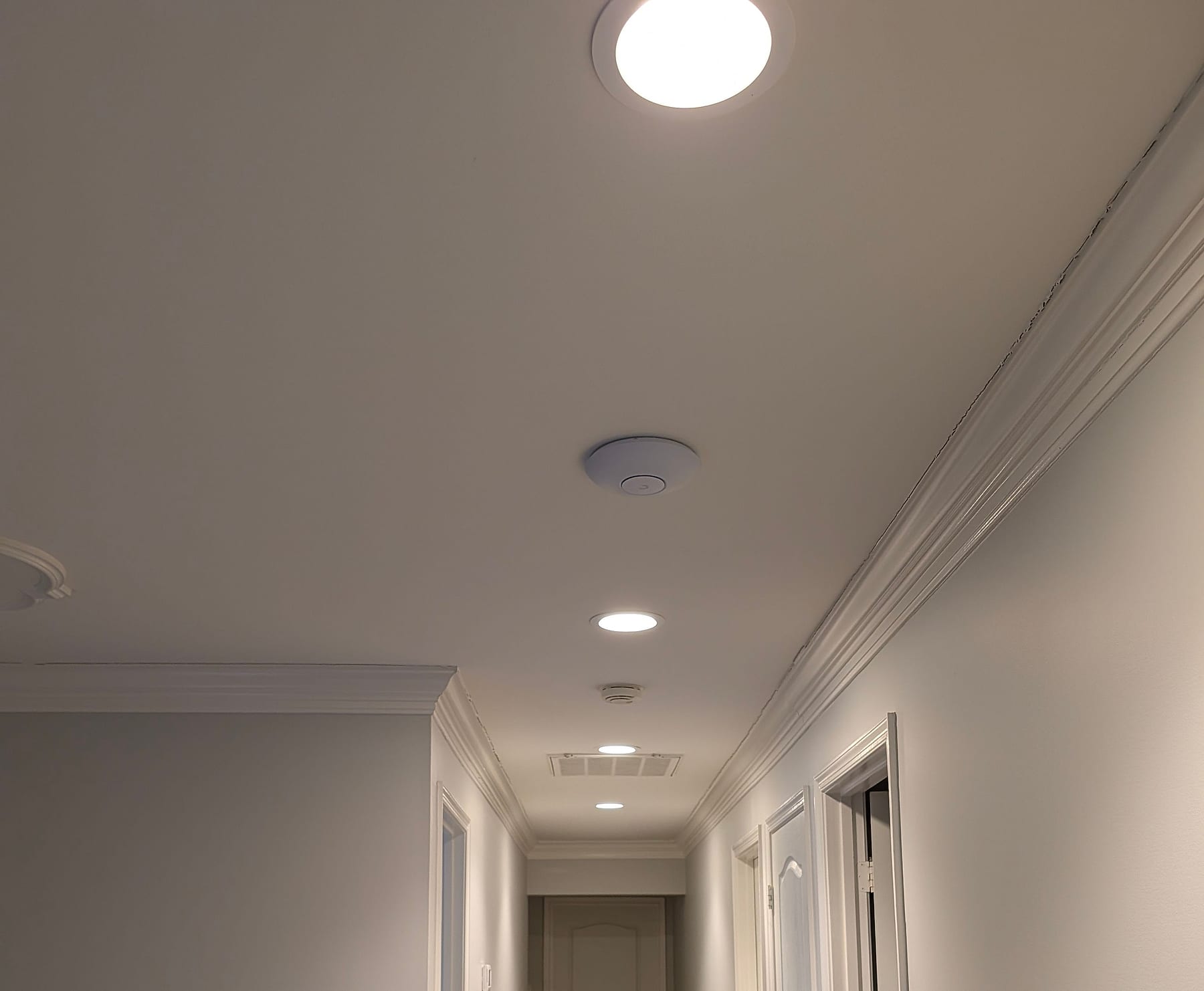
In a new home, access points went into the basement, the kitchen, and the upstairs hallway, cabled while the walls were still open, with the screened porch covered.
Read the Loudoun project“The network just works — I never think about it during telemedicine consults anymore. …”
03Our approach
How we plan whole-home Wi-Fi.
The goal is steady Wi-Fi in the rooms and outdoor areas you use, and a system you can understand afterward.
- 01
Placed for how you use the house
We agree with you which rooms and outdoor areas matter, then place access points to reach them, with the walls, floors, and materials in between accounted for.
- 02
Cable where the house allows
Each access point gets its own cable back to the network equipment, through attics, basements, crawl spaces, or existing routes. Where cable can’t reach, we explain the options before you approve anything.
- 03
Mesh, where it fits
Mesh suits many homes. Where a far room matters, a cable to its access point avoids the shared link.
- 04
Guests and smart devices kept apart
Guest Wi-Fi that can’t reach your computers, and a separate network for smart-home devices such as cameras, locks, and speakers.
Wireless relayEach relay shares its link back to the router, so speed can drop the further out it goes.
Cable to the access pointEach access point has its own link back to the network equipment.
04How it works
From your description to a tested system.
You tell us which rooms struggle and how you use them. We recommend the technical approach.
- 01
Tell us which rooms struggle
Describe the house and where the Wi-Fi gives out; no technical detail needed. Eric Enkh reviews it personally.
- 02
Get a plan and a written quote
Access-point locations, cable routes, equipment, and the price, before anything is approved.
- 03
Installation
Cable, access points, and network equipment, installed to the approved plan. Timing follows the scope and how cable can reach.
- 04
Checked and handed over
We check coverage in the rooms you agreed on, label the equipment, and show you how the system runs.
How pricing works
Whole-home Wi-Fi is quoted in writing after the free project review, once we know the rooms and the house. Whatever the size, the work is the same in kind: access points placed for the rooms and outdoor areas you use, each cabled back to the network equipment where the house allows, coverage checked in the rooms you agreed on, the equipment labeled, and a record of how it is set up. Equipment and installation are included.
What moves the price
- The rooms and outdoor areas you use. They decide how many access points the house needs, and where they go.
- The cable paths. Runs through an open attic, basement, or crawl space are simpler than runs through finished walls with no route.
- The construction. Brick, stone, plaster, and concrete stop a signal sooner than drywall, and can mean another access point.
- Outdoor areas and outbuildings. A porch or patio adds an outdoor-rated access point. A guest house or barn needs its own link to the house, and is planned as an Estate Networks project.
Adding coverage to a few rooms is a targeted improvement. For a comprehensive whole-property network, plan for approximately $10,000–$20,000. This is a planning range, not a package price: scope, cable routes, coverage requirements, and backup systems determine the final written quote, which can fall outside it. Targeted improvements are quoted separately.
The Initial Project Review comes at no charge. Defined work can go straight to a written quote; when the house needs diagnosis on site first, we recommend the On-Site Infrastructure Assessment (approximately 60-90 minutes; the fee is confirmed with you before the visit is booked). It isn’t required for a standard installation. How the assessment works
Wired desks and TVs, a rack, and battery protection as well as Wi-Fi? That is a complete home network installation.
Guest house, barn, or detached office as well? Multi-building properties are an Estate Networks project.
05Common questions
Whole-home Wi-Fi questions.
Sometimes. Mesh suits many homes, especially when its units can be placed well or connected by cable. Each wireless relay shares its link back to the router, so speed can drop further out. Where the far rooms matter, we run cable to the access points where the house allows.
No. Cable goes to the access points, not to every room, and we route it through attics, basements, crawl spaces, and existing paths where the construction allows. If a location can’t be cabled, we explain the alternatives before you approve anything.
Usually, yes. Coverage problems are inside the house, so we keep the service you have, whether that’s Verizon Fios, Xfinity, Cox, Starlink, or another fiber or 5G service, unless the review shows the provider is part of the problem.
We typically deploy UniFi for the gateway, switching, and access points, and use another system when it fits the house better. The equipment is part of the written quote.
It is quoted in writing after the free project review. The written quote follows the house: the rooms and outdoor areas you use, how cable can reach the access points, and the construction. Equipment and installation are included. A guest house or barn needs its own link to the house and is planned as an Estate Networks project.
It depends on the house: cable access, construction, the number of access points, and any outdoor areas. We confirm timing with the quote, once the scope is known.
Yes. Outdoor-rated access points can cover porches, patios, pools, and grounds. Guest houses, barns, and detached offices are planned as an Estate Networks project.
Yes. We can set up guest Wi-Fi that can’t reach your computers, and a separate network for smart-home devices such as cameras, locks, and speakers.
You keep a record of where each access point is, how it is cabled, and how the network is set up, which makes later additions easier to plan without starting over.
We serve Fairfax County, Alexandria, Falls Church, Loudoun County, Arlington County, and Fauquier County in Virginia, and Montgomery County in Maryland. Places we work include Great Falls, McLean, Vienna, Reston, Leesburg, Middleburg, and Ashburn. Washington, DC, Clarke County, and Prince William County are considered by inquiry, other projects case by case, and we confirm fit during the Initial Project Review.
06Initial Project Review
Tell us which rooms need better Wi-Fi.
A rough description is enough: where the house is, which rooms or outdoor areas struggle, and what you use them for. You’ll get a recommended next step, even if it’s that nothing more is needed.
Mon-Sat 8am-6pm
We install whole-home Wi-Fi in Fairfax County, Alexandria, Falls Church, Loudoun County, Arlington County, and Fauquier County in Virginia, and Montgomery County in Maryland. Places we work include Great Falls, McLean, Vienna, Reston, Leesburg, Middleburg, and Ashburn in Virginia, and Potomac, Maryland. Three towns have their own pages: home networking in McLean, VA, Great Falls, VA, and Potomac, MD.