
For large homes, estates & home offices · Northern Virginia & Montgomery County, MD
Private network infrastructure, engineered for the whole property.
We design and install complete networks for large homes, multi-building properties, and demanding home offices — as one system built into the property, not a collection of devices added to it.
The first conversation is free, and Eric Enkh replies personally.
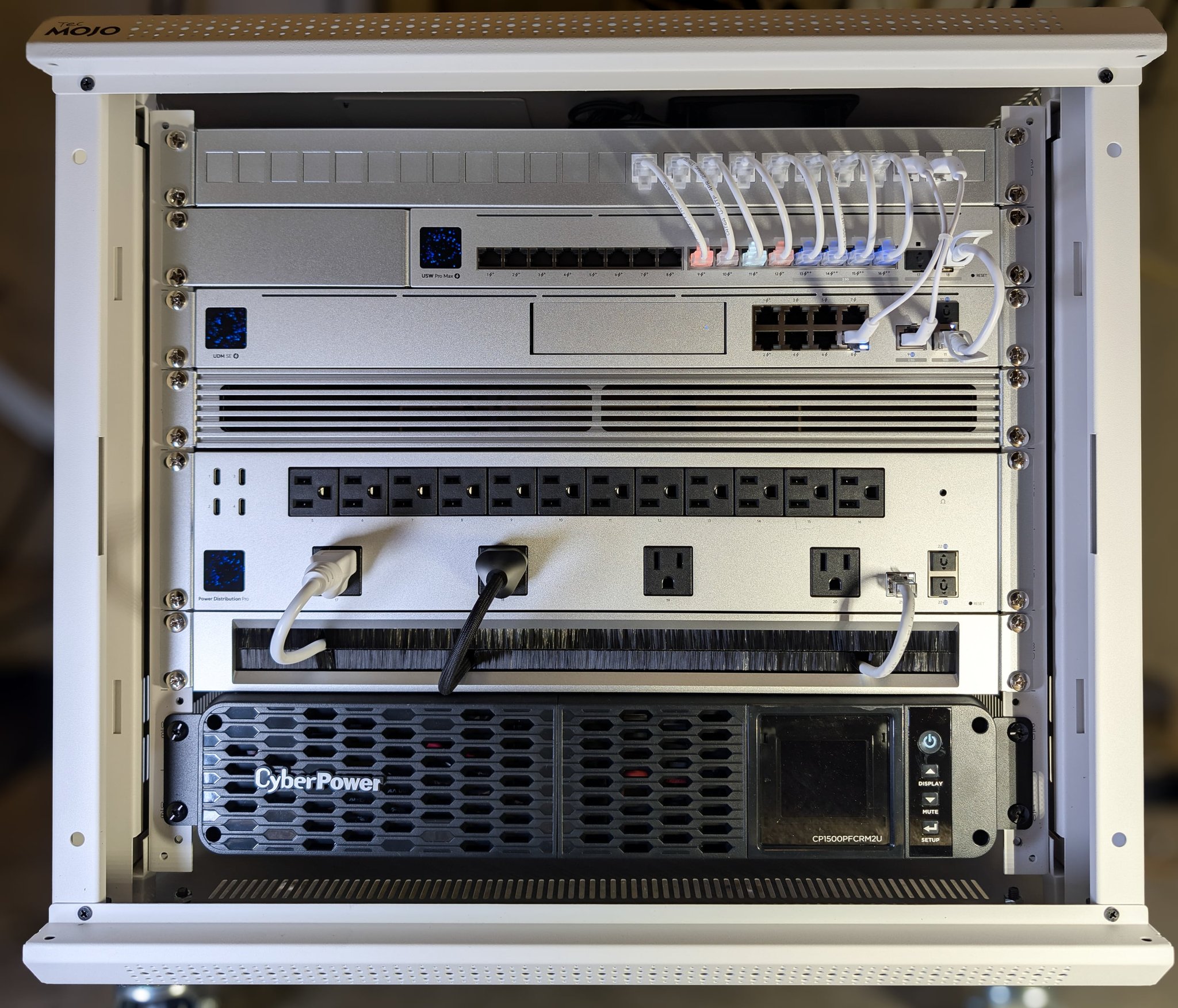
PhotographLorton, VANetwork rackAugust 2026Read the project
Designed before it is installed
Access points, cable routes, and equipment are placed for the buildings and the way the property is used.
Cabled where the structure allows
Wired runs to access points and between buildings, in place of a chain of wireless relays.
Tested before handover
We check the connections that matter and, where there is a backup connection, the switch to it.
Documented, in your name
Labels, records, and accounts stay with you, so the system can be understood and serviced later.
What would you like to improve?
Many projects combine several of these, planned and installed as one system. For a single house, that is a complete home network installation.
Complete home network
The whole system: cabling, the core, access points, and battery backup.Home Network InstallationWhole-home Wi-Fi
Improve unreliable coverage across rooms, floors, and the outdoor areas you use.Connect multiple buildings
Bring the main house, guest house, detached office, or barn onto one planned network.Estate & Multi-Building NetworksHome-office reliability
Dependable connections for work, with automatic backup internet for provider outages.
Not sure which applies?Describe the problem
A lived-in home, wired after the walls closed.
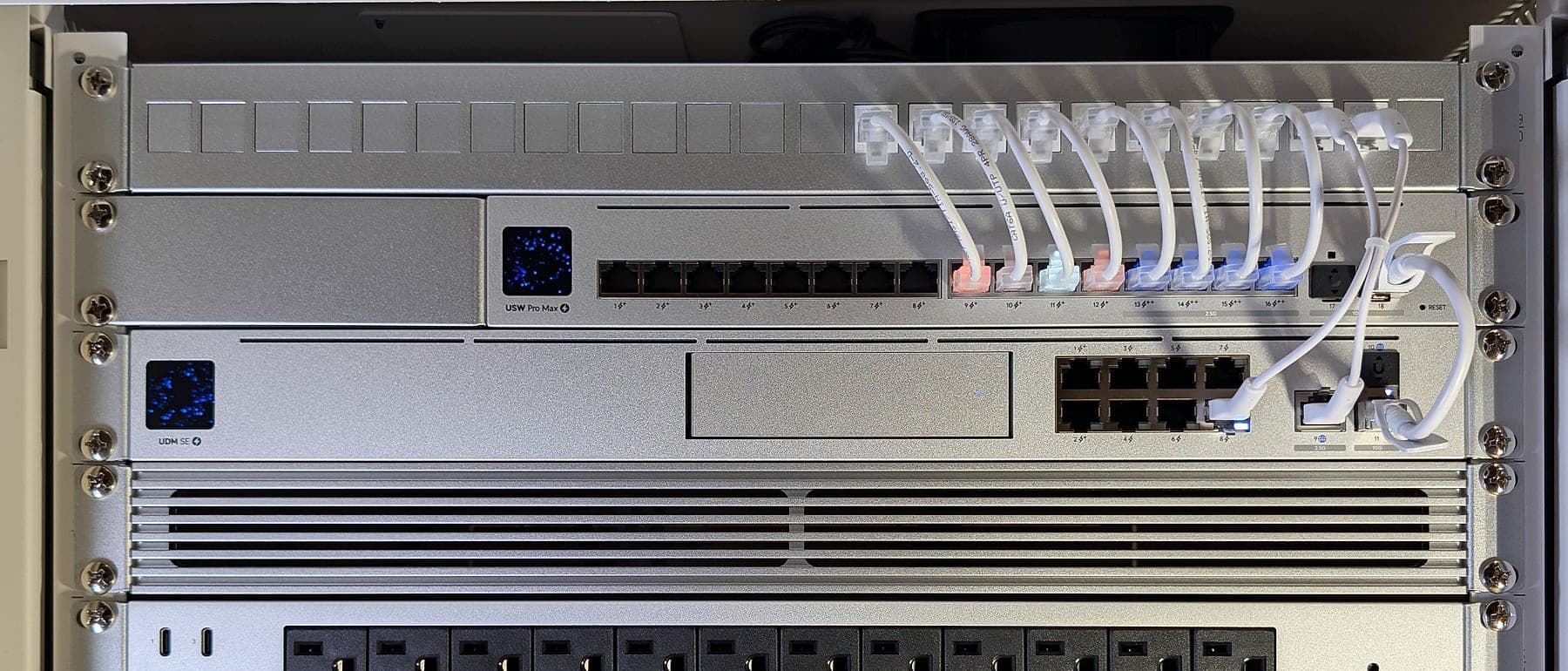
The household works from home full time, and one Comcast line carried every work call. We mounted a locking cabinet on the basement wall and ran a separate cable from it to each Wi-Fi access point: the office, the living room, the basement, and the rear exterior.
Comcast stays the everyday connection. Starlink is the backup: connected, tested, and left on standby to take over on its own. Three days after the install we checked every device and port against the management console and recorded them in the owner guide.
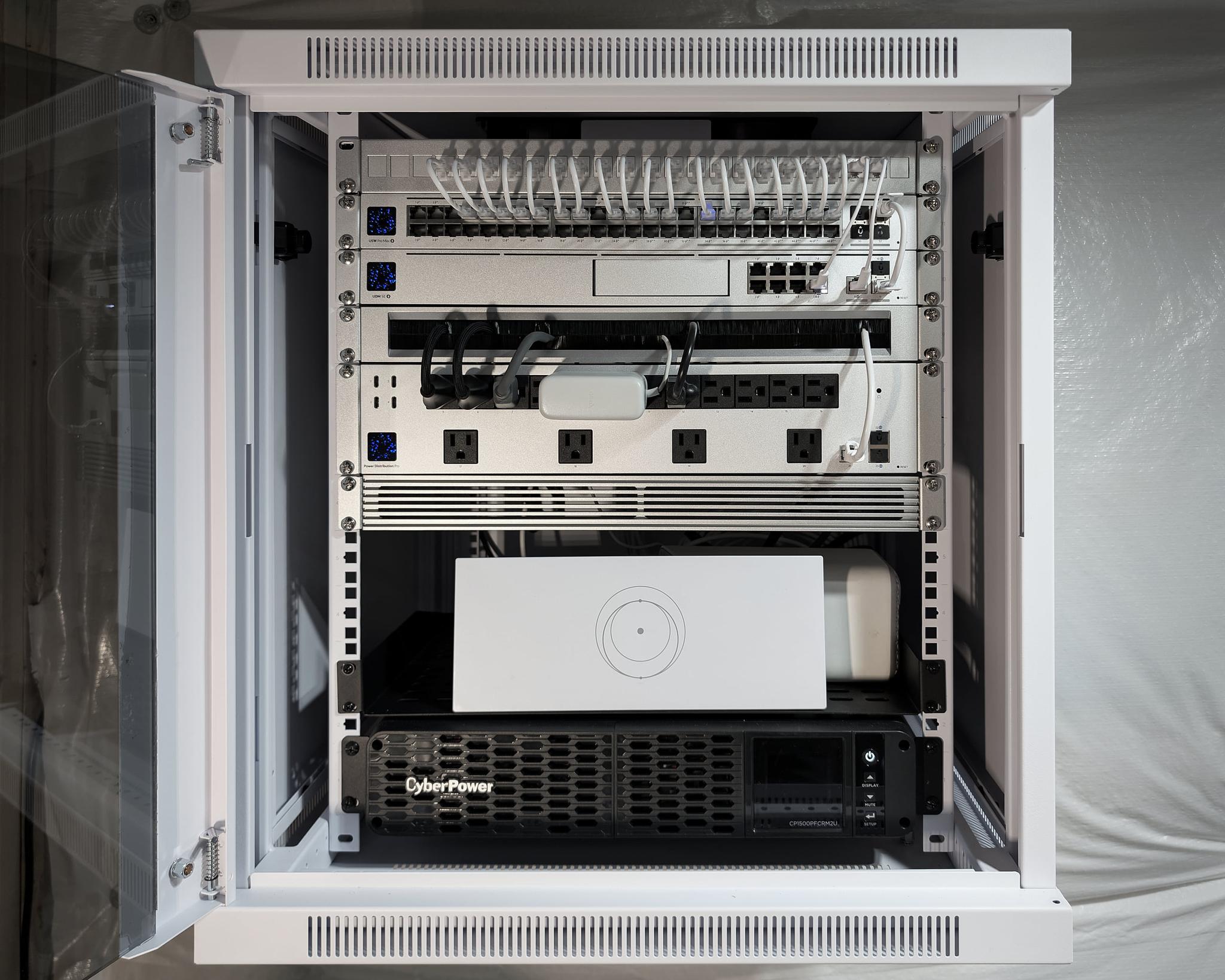
- Internet
- Two connections
- Comcast, with Starlink on standby
- Wi-Fi
- Four Wi-Fi 7 access points
- Each on its own cable to the cabinet
- Switch
- 48 PoE ports
- 13 in use, 35 in reserve
- Installed
- August 21, 2026
- Verified against the management console on August 24
- Wi-Fi access point
- One cable per access point
- Wi-Fi coverage
Photographs · Completed projects
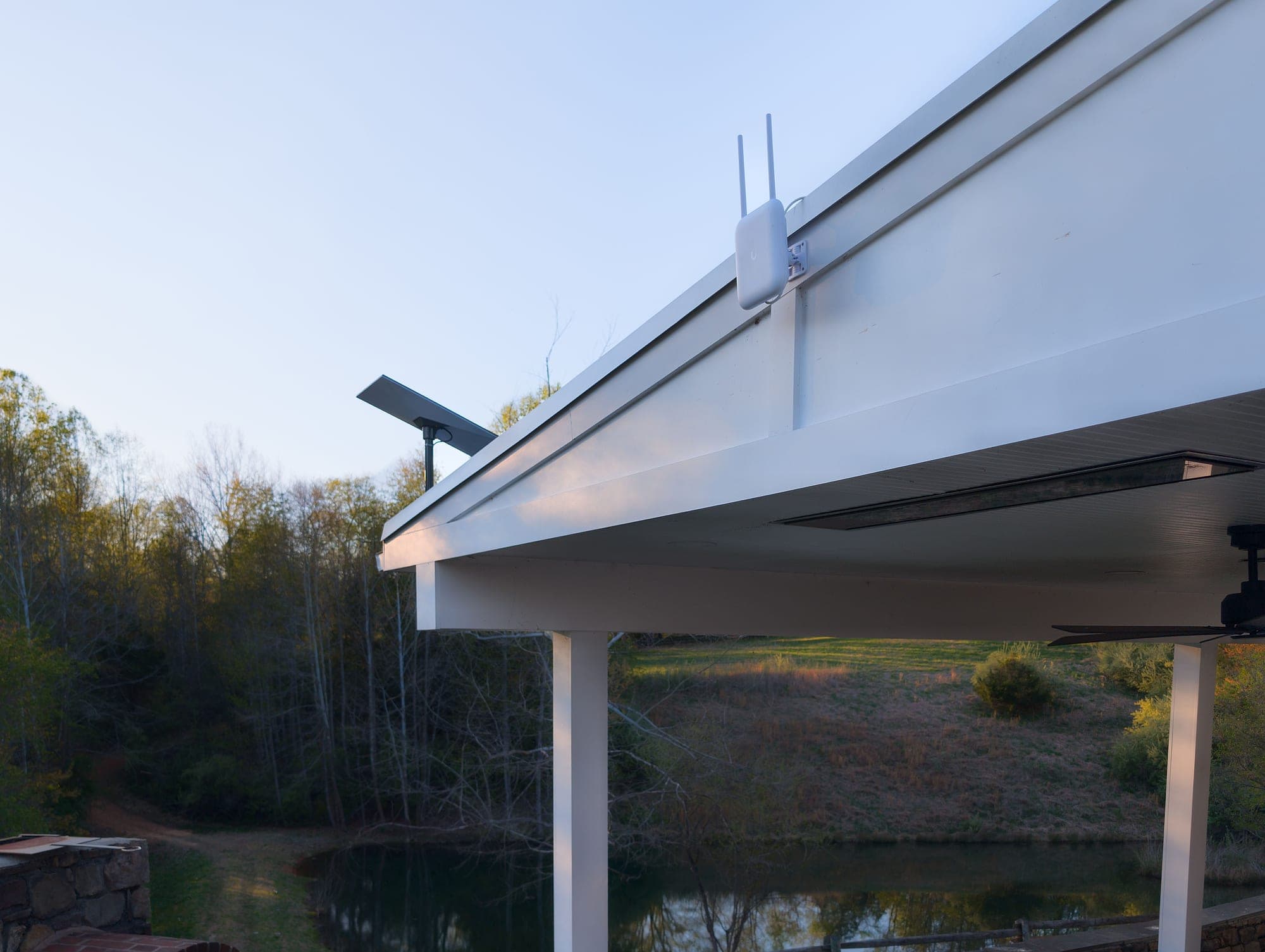
01Castleton, VA: outdoor Wi-Fi 7 at the pavilion 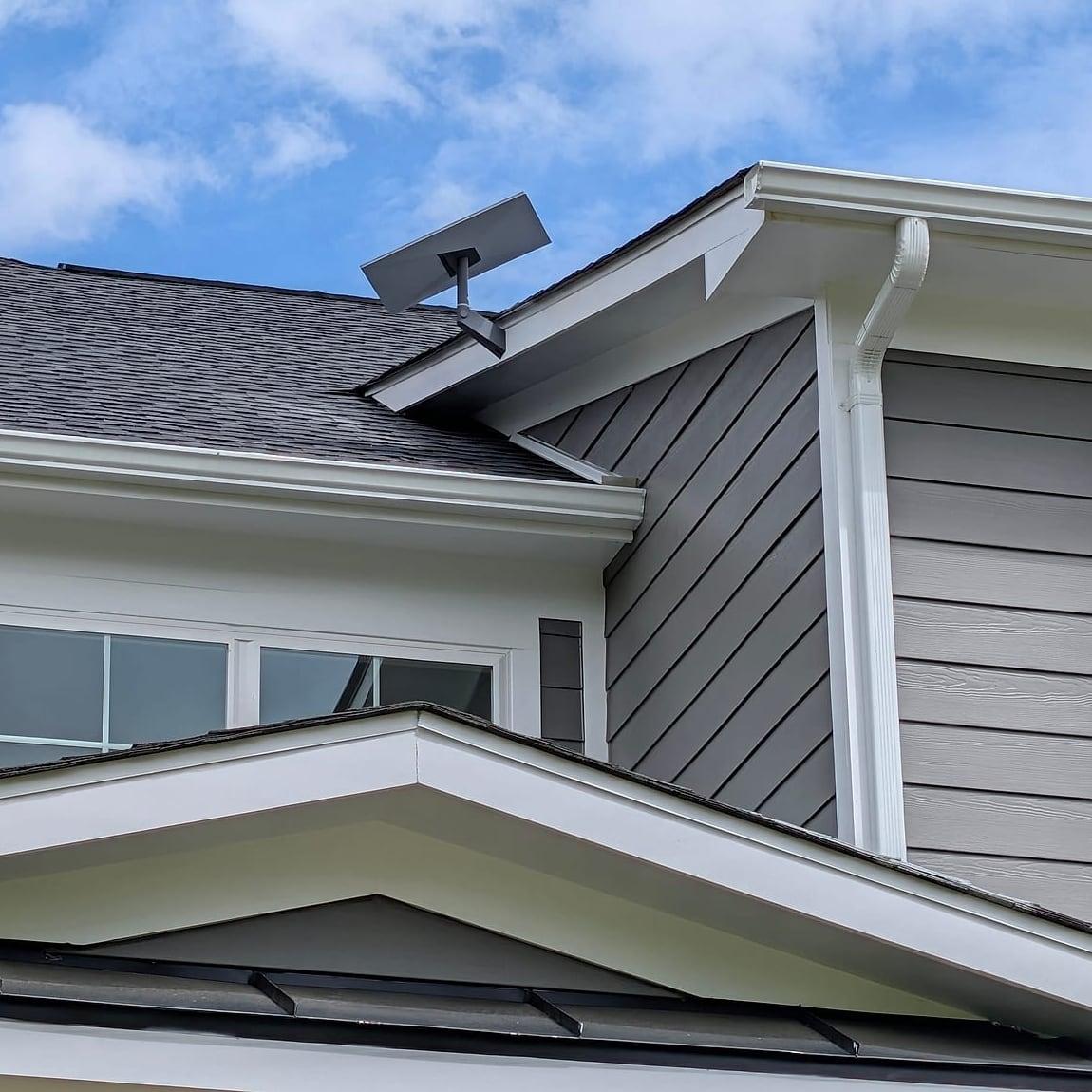
02Loudoun County, VA: Starlink backup at the roof peak 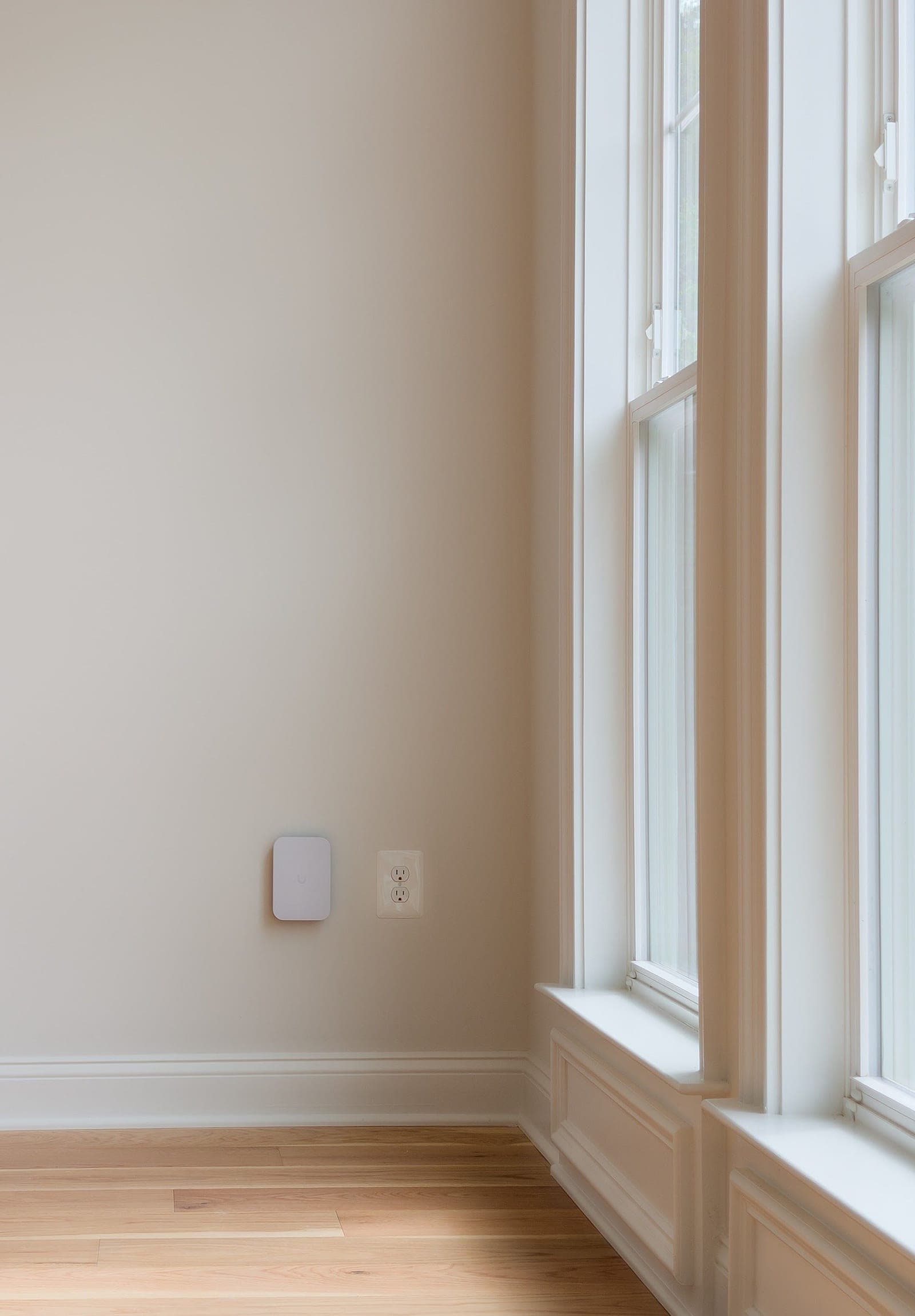
03Loudoun County, VA: in-wall Wi-Fi in the kitchen
Existing home · Great Falls, VA
Dead zones in the basement and upstairs bedrooms, and outages with every power flicker.Now: access points where coverage failed, battery backup for the equipment, and a Starlink backup tested at handover. Read the project
Clients on other projects
“The network just works — I never think about it during telemedicine consults anymore. The failover is invisible. This is what infrastructure should feel like.”
“Fantastic job with a very challenging roof and receiver location. Eric provided options and worked with us to get the receiver and hiding associated wires and router in the perfect place for us.”
What we plan before anything is installed.
Weak rooms and dropped connections can come from a failing device, a provider fault, or the building itself. We find out which first.
- 01
Access points placed for the rooms you use
Walls, floors, and distance decide where signal reaches. We place UniFi access points around the rooms and outdoor areas in use, not at equal spacing, and check coverage there.
- 02
Cable to each access point and building
Mesh suits many homes, but each wireless relay can cut speed further along. Where the structure allows, each access point gets its own cable to a PoE switch, which also powers it, and outbuildings join by cable or a dedicated wireless bridge.
- 03
A protected core, and a second connection
The gateway, switch, and patch panel sit together in one rack or cabinet, on battery backup. Where work depends on the connection, a second line or Starlink waits on the gateway and takes over when the provider fails.
- 01 · Primary connection carrying traffic
- 02 · Provider outage
- 03 · Gateway switches to backup
- 04 · Backup carrying traffic
What happens after you get in touch.
- 01
Tell us what needs to work better
Describe the home and what isn’t working; no technical detail needed.
- 02
Get a quote or a recommended next step
If the work is clear, you get a written quote: where cable would run, what would be visible, and the price, before you approve. If the problem needs diagnosing on site or the property needs a plan, we explain that step first and confirm any fee before you book.
- 03
Approve and schedule the work
We agree on access, the rooms affected, and what the walls and finishes allow. Installation follows the scope you approve.
- 04
A tested system, explained
We check the connections that matter, show you how the system works, and document it.
A system you can understand, in your name.
In Lorton, we installed and tested a finished home’s network without the owner on site. The household got a quick-reference card, and the owner a guide: what to check first, the order to restart things, and what’s normal. The owner holds the main account; Orbit Tech’s separate support login can be revoked.
- You know what was installed and how to use it.
- Clear labels and records make future troubleshooting and changes easier.
- Accounts are in your name, so you keep control.
Documentation is sized to each project.
- Who is responsible
- Eric EnkhOwner & Lead Engineer
- Based in
- Reston, Virginia
I review each project, recommend the work, and answer for it from the first scope decision through handover. Afterward, you call or email me directly. No recurring maintenance contract is required; later help is arranged case by case.
Tell us what needs to work better.
Clearly defined work goes straight to a written quote. Otherwise you get a recommended next step — sometimes that nothing more is needed.
(571) 999-6915Mon-Sat 8am-6pm
Already a client? Call or email Eric directly. You don’t need this form.
Our work is planned improvements, not one-off device setup or basic router troubleshooting. You don’t need to know which yours is; we’ll tell you.
For a comprehensive whole-property network, plan for approximately $10,000–$20,000. This is a planning range, not a package price: scope, cable routes, coverage requirements, and backup systems determine the final written quote, which can fall outside it. Targeted improvements are quoted separately.
Eric Enkh reviews each request personally and replies by email. The first conversation is free and non-binding. How we handle your details.