
Executive Failover System
Dual-WAN • Battery Backup • Tested Failover
A continuity-focused home office deployment built around automatic failover, protected power, and WiFi coverage that supports executive work instead of interrupting it.
At a Glance
A Leesburg executive was losing time to repeated ISP interruptions during business-critical video calls. Orbit Tech replaced the single-path setup with a UDM SE running Xfinity primary and Starlink automatic failover, three WiFi 7 access points, and a sized UPS — tested at commissioning and documented at handoff.
- Where
- A 3,800 sq ft home in Leesburg, Loudoun County, VA, with a home office used for video calls and presentations.
- The problem
- One provider with two to three outages a month, a consumer router that could not fail over, and several minutes of downtime after every power flicker.
- Constraints
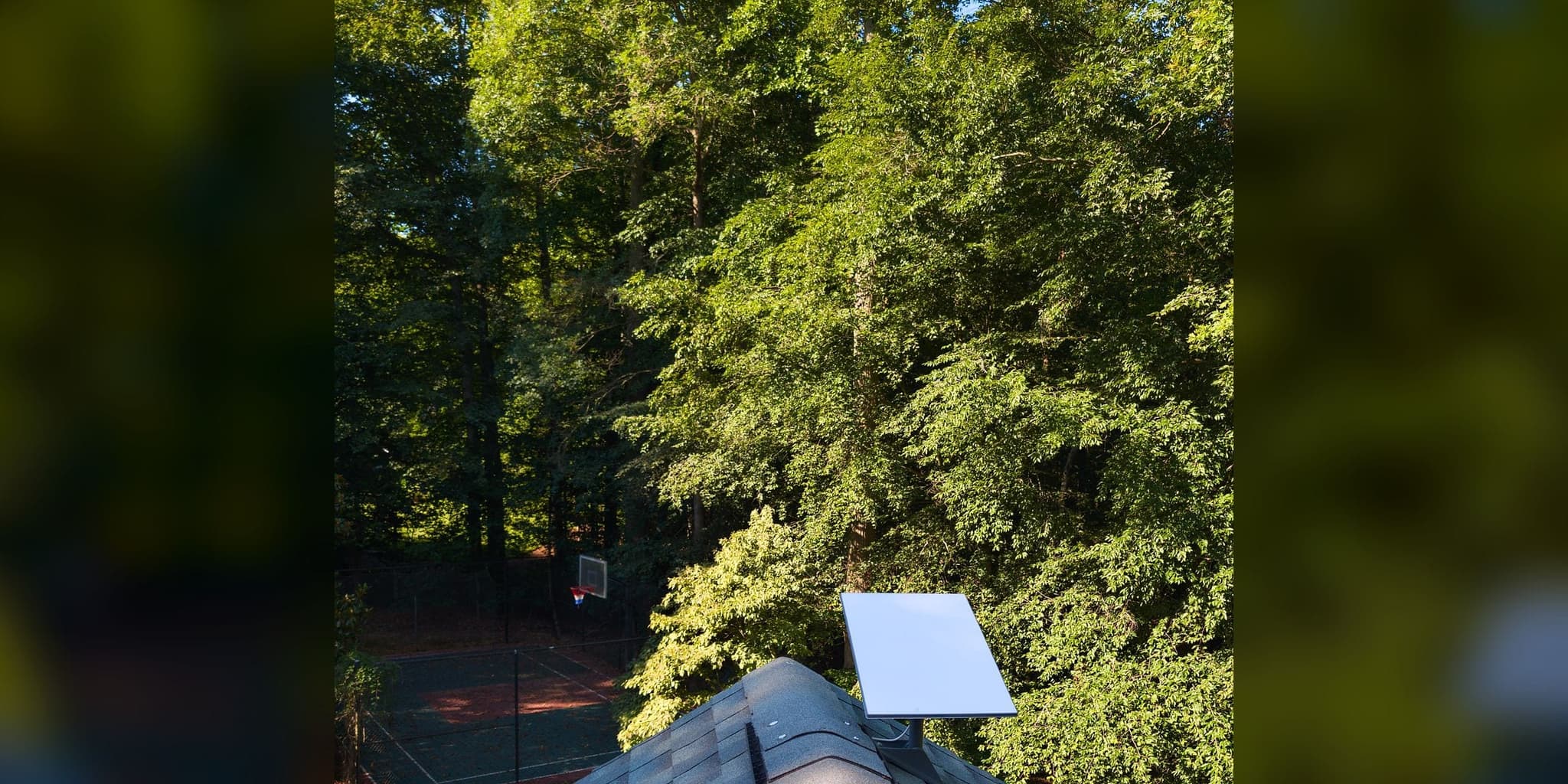
- An HOA that restricted how and where the Starlink dish could be mounted.
- What we did
- A UniFi Dream Machine SE with Xfinity primary and Starlink as automatic backup on a custom bracket the HOA accepted, health checks every 5 seconds, three Wi-Fi 7 access points, and a UPS sized to the network core.
- What we observed
- Switchover worked in the commissioning test, the UPS carried the core through runtime checks, and coverage was checked in the basement office and upstairs.
- How it was checked
- Failover and UPS runtime checked at handoff in December 2025.
- Limits of this record
- No switchover time or runtime figure was recorded for this system.
- Related service
- Home-Office Reliability · Discuss Your Project
Senior Executive • Remote Finance Professional • Business-Critical Video Conferencing
Leesburg, VA
3,800 sq ft
Loudoun County
Timeline: 1.5 days
The Orbit ProtocolWhat the property needed
The client worked from home in Leesburg and was losing time to repeated ISP interruptions during video calls, presentations, and transaction-critical meetings. The issue was not raw bandwidth; it was the absence of a network design that could stay stable when the primary circuit or local power dipped.
The property relied on a single provider with recurring outages, a consumer router that could not make disciplined failover decisions, and no battery backup for the core equipment. Even short power flickers translated into several minutes of downtime while the network stack rebooted.
What we did
We replaced the ad hoc setup with a UniFi Dream Machine SE, a primary Xfinity connection, Starlink as automatic backup, three properly placed WiFi 7 access points, and a UPS sized to keep the core network online through short-to-moderate utility events. The system was tuned for continuity first and convenience second.
How it connects
Executive Failover — Infrastructure Topology
Internet
- Xfinity FiberPrimary WAN
- Starlink Gen 3Failover WAN
- Xfinity Fiber to UDM SE: everyday path
- Starlink Gen 3 to UDM SE: standby line
Core
- UDM SECore Router · Dual-WAN
- CyberPower UPS1000VA · Protected Core
- CyberPower UPS to UDM SE: battery power
- UDM SE to UniFi U7 Pro: cable that also powers its device
Access
- UniFi U7 Pro ×3WiFi 7 Access Points
- Everyday path
- Standby line
- Cable that also powers its device
- Battery power
7 devices · 4 links
Losing time to ISP interruptions during calls that matter?
Dual-WAN failover, a sized UPS, and WiFi 7 coverage start with a no-charge Initial Project Review to confirm scope and recommend the right next step.
Discuss Your ProjectThe Orbit ProtocolHow the project ran, phase by phase
Every project follows the same four steps: look at the property, design, install, then test, explain, and hand over.
Understand the property
The on-site review documented actual outage frequency, measured coverage loss in the basement office and upper rooms, and checked the available power path for UPS integration. HOA restrictions were also reviewed early so the backup WAN could be installed without last-minute mounting changes.
Recommend a plan
The design centered on continuity: Xfinity as the main line, Starlink as the backup that the gateway checks every few seconds, WiFi 7 access points positioned around the three-floor layout, and a UPS chosen for the network core’s load.
Install with care
The 1.5-day field install included an HOA-compliant Starlink bracket, dual-WAN configuration on the UDM SE, WiFi 7 access point placement for the actual work zones, and UPS integration so the network would not collapse during short power events.
Test, explain, and hand over
Documentation, dashboard orientation, failover verification, and runtime checks were completed at handoff. The client left with a network that had defined behavior during outages rather than an untested backup story.
What changed, and how it was checked
Switchover was tested during commissioning, the UPS protected the network core during runtime checks, and coverage was checked in the basement office and upstairs.
Limits of this record: No switchover time or runtime figure was recorded for this system.
Before and after
| Metric | Before | After |
|---|---|---|
| ISP Redundancy | Single ISP, 2–3 outages/mo | Dual-WAN, automatic failover tested at commissioning |
| Power Outage Impact | 5+ min reboot on flicker | UPS protecting the network core, runtime checked at handoff |
| WiFi Coverage | Dead zones in basement/upstairs | Coverage checked in the basement office and upstairs |
| Failover Validation | No tested backup path | Tested at handoff |
Failover and UPS runtime were checked at handoff; no switchover time or runtime figure was recorded.
From the installation
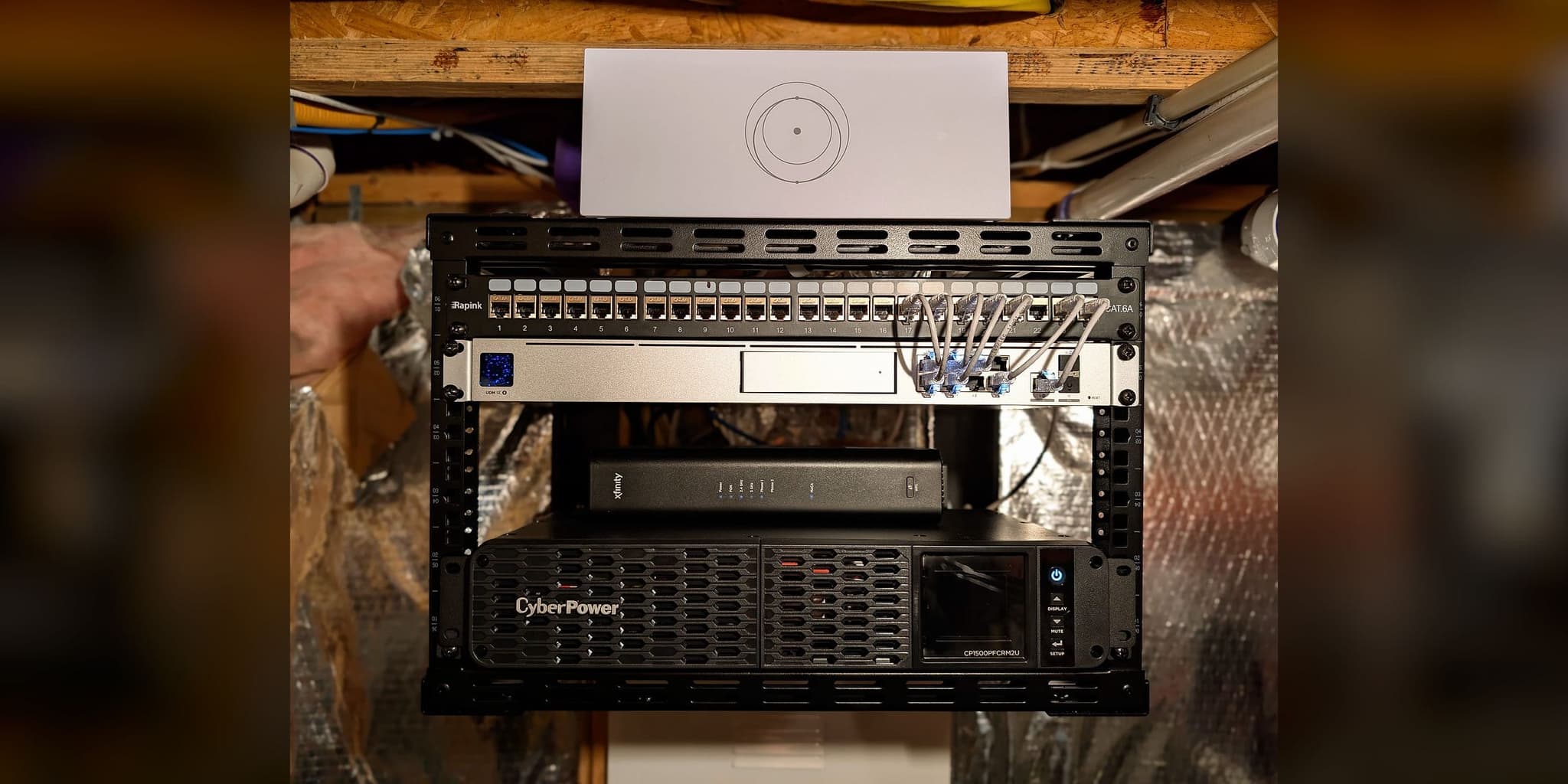
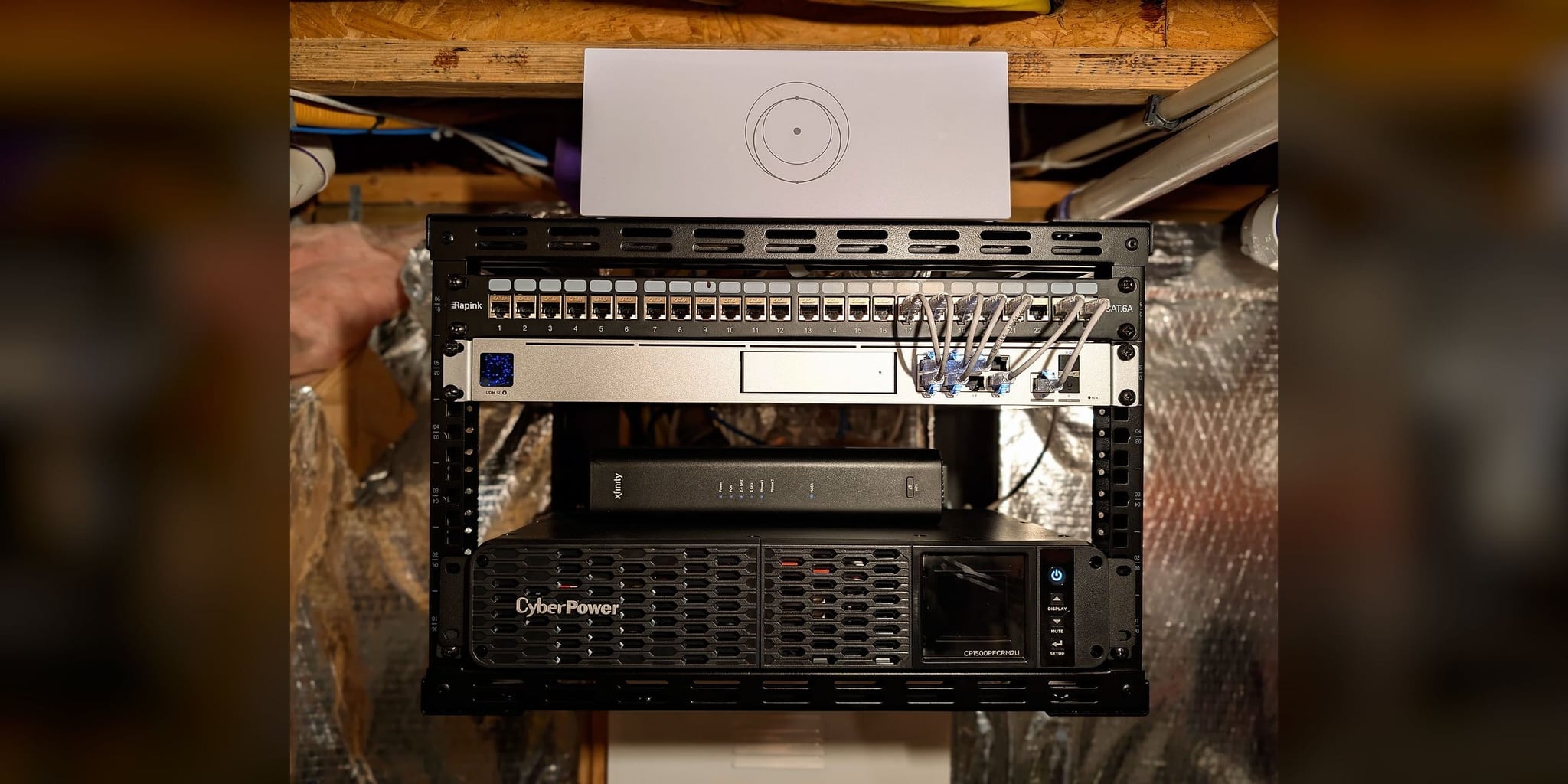
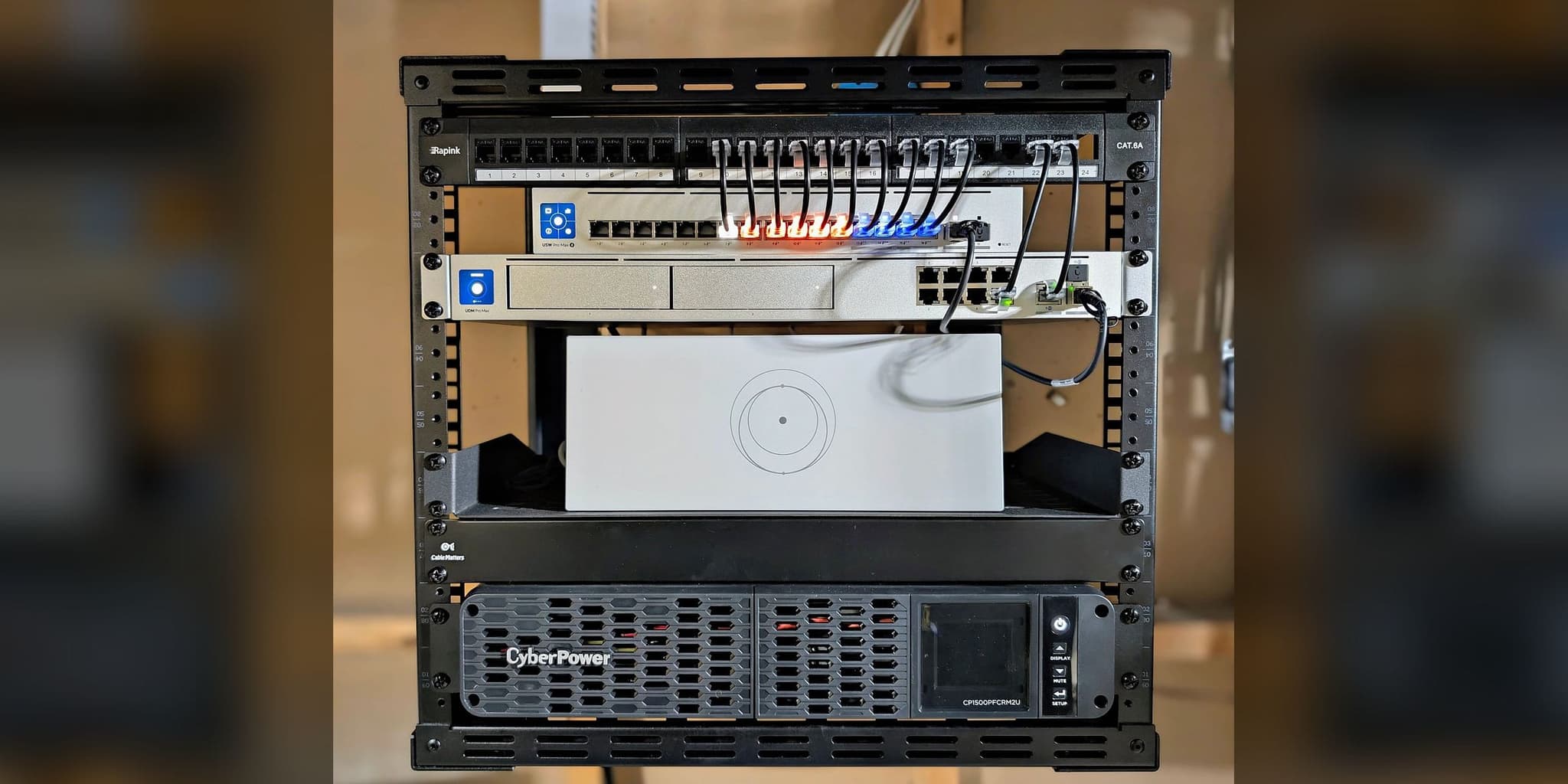
The failover core: gateway, switch, Starlink router, and battery backup
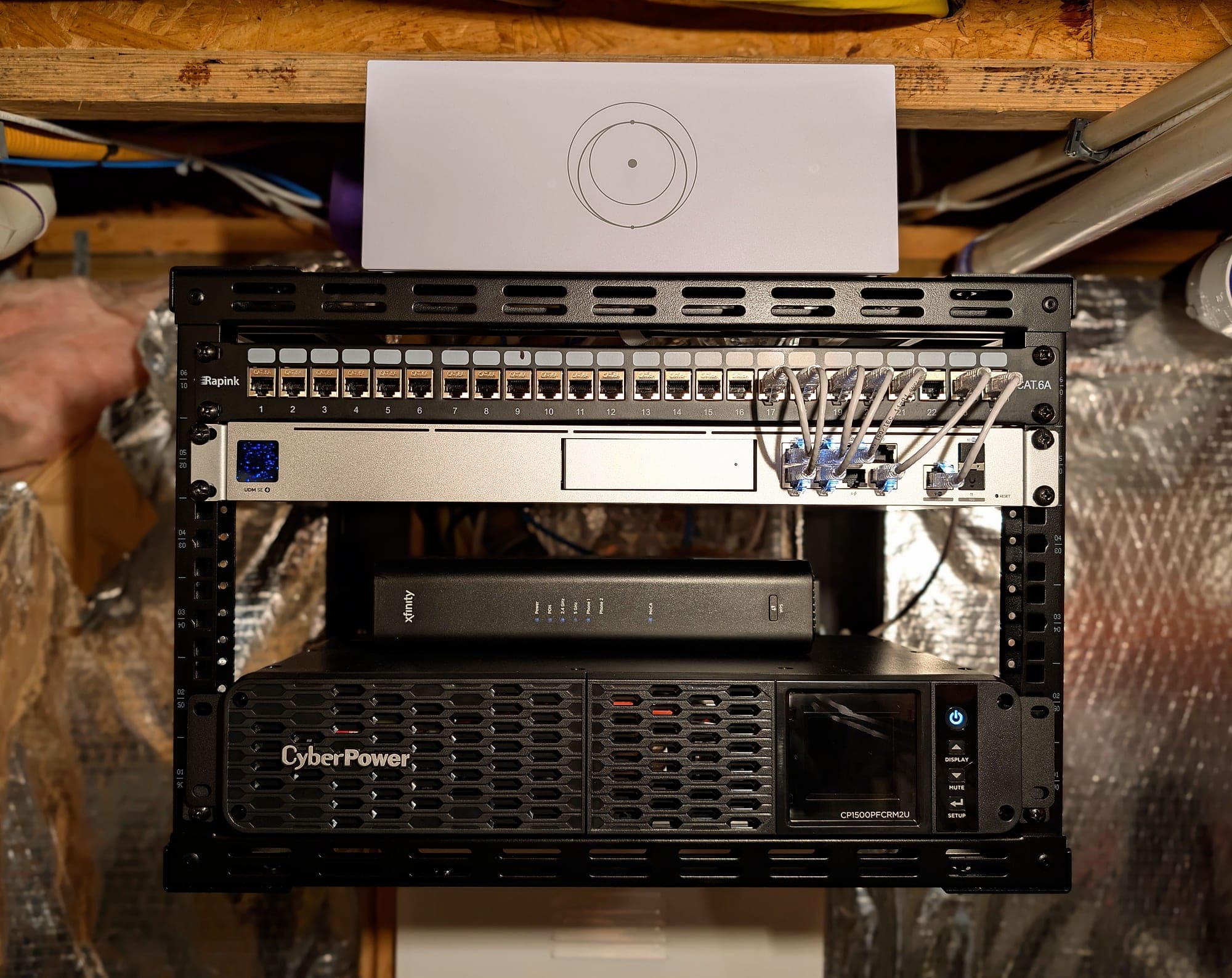
Protected power and one documented equipment location
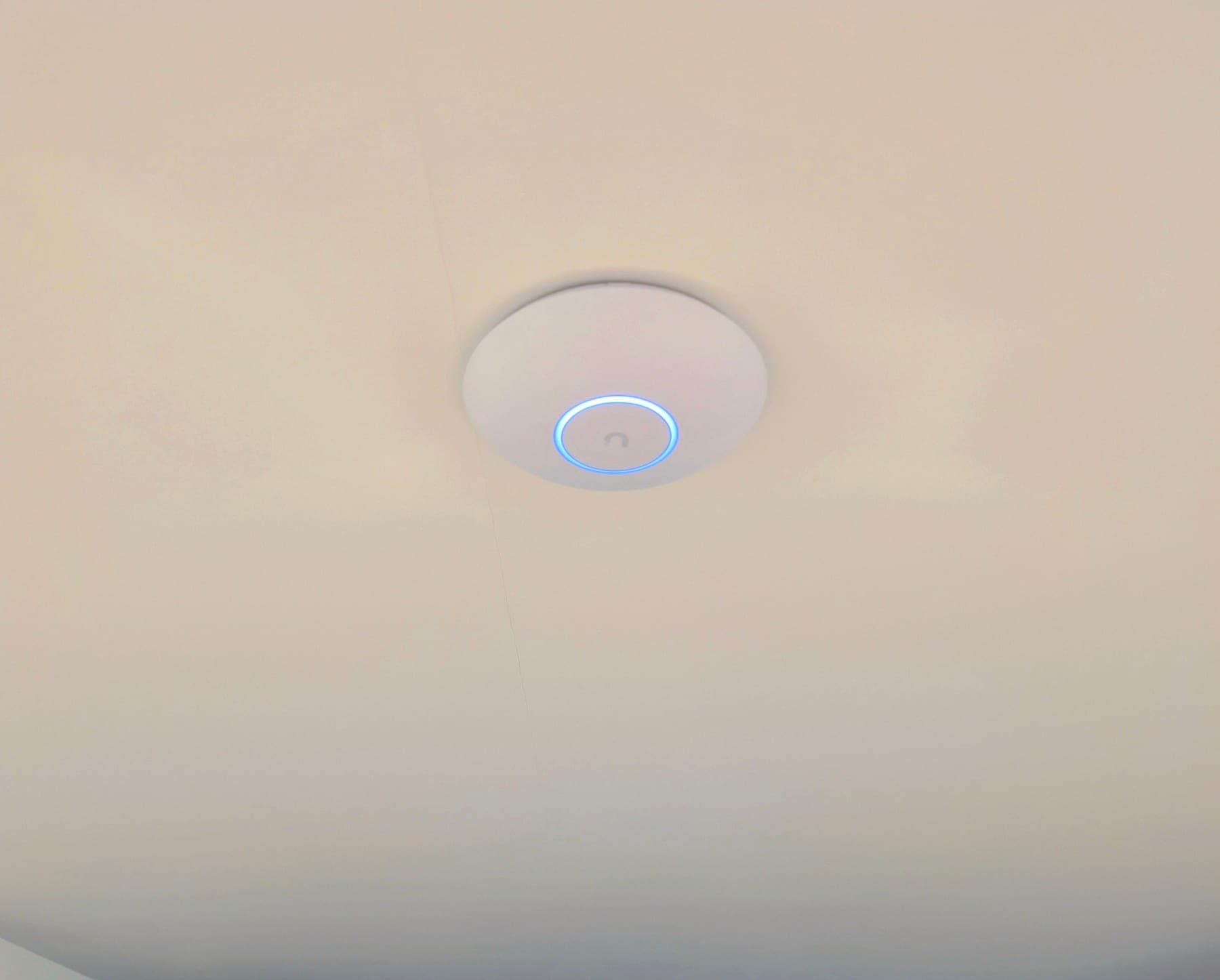
Lower-level office zone — one of three WiFi 7 access points
This deployment applies architecture documented across our service methodology:
Services Deployed
Equipment Manifest
- UniFi Dream Machine SE
- Starlink Standard Gen 3
- UniFi U7 Pro x3
- CyberPower UPS 1000VA
Related Services
Related Case Studies
Planning something similar?
Tell us how the property is built, where service breaks down, and what has to stay online. We'll recommend the next step, and a paid assessment only if the property needs one.
The first conversation is free, and Eric Enkh replies personally.