.png&w=96&q=75)
Case study · Home office and household network
Rebuilding a 5,200 sq ft home network around a working home office
Joseph Moreno, a lawyer and media analyst, works from a home that also runs a busy household. In planned phases through 2026, Orbit Tech gave the office its own network, added Starlink as a second internet path behind Verizon Fios, and moved three camera systems onto one UniFi platform.
- Location
- Alexandria, Fairfax County, VA
- Property
- About 5,200 sq ft · basement through third floor · garage
- Timeline
- Assessed April 2026 · installed in phases, May–October 2026
- Client
- Joseph Moreno, lawyer and media analyst
The first conversation is free, and Eric Enkh replies personally.
Results
- Internet Paths
- 2
- Verizon Fios 5 Gig, with Starlink as automatic failover, tested at handoff
- Camera Platforms
- 3 → 1
- Alarm.com, Google Nest, and a legacy wired system, replaced by UniFi Protect
- Separate Networks
- 3
- Office, household, and smart-home devices kept apart
- Gateway Speed Test
- 4.70 / 6.30Gbps
- Download / upload on the Fios line, October 2026
“They overhauled my network infrastructure with internal UniFi hardware and 5gb fiber service coupled with a Starlink dish for redundancy coverage. … Cannot recommend them enough.”
The project
- Starting point
- The home office handles live calls, conferencing, and large file transfers in a house that also carries a busy household. At the April 2026 assessment, every device shared one flat network on Verizon equipment and Wi-Fi extenders, with weak coverage in the kitchen and garage, a single Fios line, and cameras split across Alarm.com, Google Nest, and a legacy wired system.
- Constraints
- The house was occupied and finished, its in-wall Ethernet would stay, and the household’s Fios TV service and Apple TVs had to keep working.
- Approach
- Rebuild the core and switching on UniFi, give the office its own network, add Starlink as a second internet path behind Fios, and bring the cameras onto the same platform — in scheduled phases rather than one long disruption.
Key decisions
1.Give the office its own network
Office, household, and smart-home devices run on three separate networks (VLANs), kept apart so a device on one cannot freely reach the others. That separation controls access, not internet bandwidth: the office still shares the same connection, and no traffic-priority rules are part of this record.
2.Keep the in-wall runs; replace the switches at their ends
Opening finished walls across an occupied 5,200 sq ft house would have turned a network project into a construction project, so the existing runs stayed. The unmanaged switches at their ends offered no way to assign a port to a network or see its status; managed UniFi switches replaced them. The trade-off is that each room’s speed depends on how its existing run negotiates.
3.Keep Fios primary, and add a path that does not share it
Fios stays the primary connection on the gateway’s 10 Gbps WAN port and now runs on Verizon’s 5 Gig tier. Starlink, supplied and mounted by Orbit Tech, is the second path: it does not depend on the fiber line, and the gateway moves to it automatically. Failover was tested at handoff; no switchover time was recorded.
4.Plan around the TV and streaming the household uses
Fios TV boxes rely on Verizon’s equipment for the program guide and on-demand features, so replacing the gateway had to account for them, and the Apple TVs had to work on the new household network. Keeping both working was written into the May scope.
5.One UniFi platform, not four separate systems
UniFi Network and Protect run on the UDM Pro Max, and the UNAS Pro 4 runs UniFi Drive on its own hardware. All of it is managed in the UniFi app — 37 devices in October 2026 — where the house used to manage its network and three camera systems separately.
How the system fits together
Internet
Primary · 10 Gbps WAN port
Verizon Fios
Primary connection, 5 Gig tier
Failover · WAN 2
Starlink
Automatic failover
Both connect to the gatewayIn the rack
UDM Pro Max
Gateway and firewall, UniFi Network and Protect
10 GbE to the core switchUSW Pro Max 48 PoE
Core switch
On the core switch · 10 GbE
UNAS Pro 4
UniFi Drive storage
Battery power for the rack
UniFi UPS 2U
Battery backup in the rack, runtime not measured
Office, Household, IoT networks, carried across the switchingFrom the core switch
Links: 2.5 GbE to 100 Mbps, by room
Room switches
7 × USW Flex 2.5G 5, USW Ultra in the garage
Wi-Fi
4 × U7 Pro, each on a cable
UniFi Protect
Cameras and doorbell, ViewPort, sensor gateway
Before and after
What was measured
Each line says how it was recorded: a measurement, a pass/fail test, a link rate the UniFi controller reported, or nothing at all.
Reading these numbers
Both speed tests describe the Fios connection at one moment — not a plan guarantee, and not what every room receives. The device test exceeded 2.5 Gbps, so it ran over a faster path than any room switch provides. A room’s wired speed is capped by its own switch link: on October 12 those links negotiated at 2.5 GbE, 1 GbE, and in one room 100 Mbps. Negotiated rate depends on the run and the equipment at both ends, and that 100 Mbps link was not diagnosed as part of this record.
Project record
Photos and test screens
Each in-wall run lands on the patch panel and patches down to the core switch, with the gateway directly below. UNAS Pro 4 storage above a vented panel and the UniFi UPS 2U. Gateway speed test in the UniFi app, October 2026. Speed test from a device on the network, October 2026. Public IP address redacted. UniFi device list, October 12, 2026, with each switch’s negotiated link rate.
How the work was phased
April 2026
Assessment
On-site review of the house and a written proposal: the core network first, camera consolidation as a later phase.
May 2026
Core network
Three site visits for the UniFi deployment: the rack build, gateway, switching, Wi-Fi across the house, and the separate networks, with keeping Fios TV and the Apple TVs working in the same scope.
June 2026
Doorbell
The doorbell camera at the front entry.
October 2026
Service upgrade
By October 12 the Fios line ran on the 5 Gig tier, the cameras ran on UniFi Protect with the legacy systems retired, and the UNAS Pro 4 and UPS 2U were in the rack. The speed tests and device list were recorded.
Each phase was a separate, scheduled visit — not six months of continuous work.
Equipment
Gateway & core
- UniFi Dream Machine Pro MaxGateway and firewall · runs UniFi Network and Protect
- UniFi USW Pro Max 48 PoECore switch · 10 GbE to the gateway
Rooms & Wi-Fi
- UniFi USW Flex 2.5G 5Managed room switchQuantity ×7
- UniFi USW UltraManaged PoE switch · garage
- UniFi U7 ProWiFi 7 access point · wiredQuantity ×4
Internet
- Verizon Fios5 Gig tier · primary
- StarlinkAutomatic failover · supplied and mounted by Orbit Tech
Storage, power & rack
- UniFi UNAS Pro 4UniFi Drive storage · 10 GbE
- UniFi UPS 2URack battery backup
- Open-frame wall rackPatch panel · shelf for the Starlink router
UniFi Protect
- UniFi Doorbell LiteWith a UniFi Chime
- UniFi Protect ViewPortLive camera view on a display
- UniFi SuperLink GatewayFor Protect wireless sensors
Cameras are UniFi G5 Turret Ultra and G4 Instant models. Their number and positions are left out of this record on purpose.
Case record EXEC-ALEXANDRIA-016 · published October 12, 2026
Planning something similar?
Tell us about the property and what has to keep working. If an on-site assessment would help, its fee is confirmed with you before the visit is booked.
The first conversation is free, and Eric Enkh replies personally.
Related projects
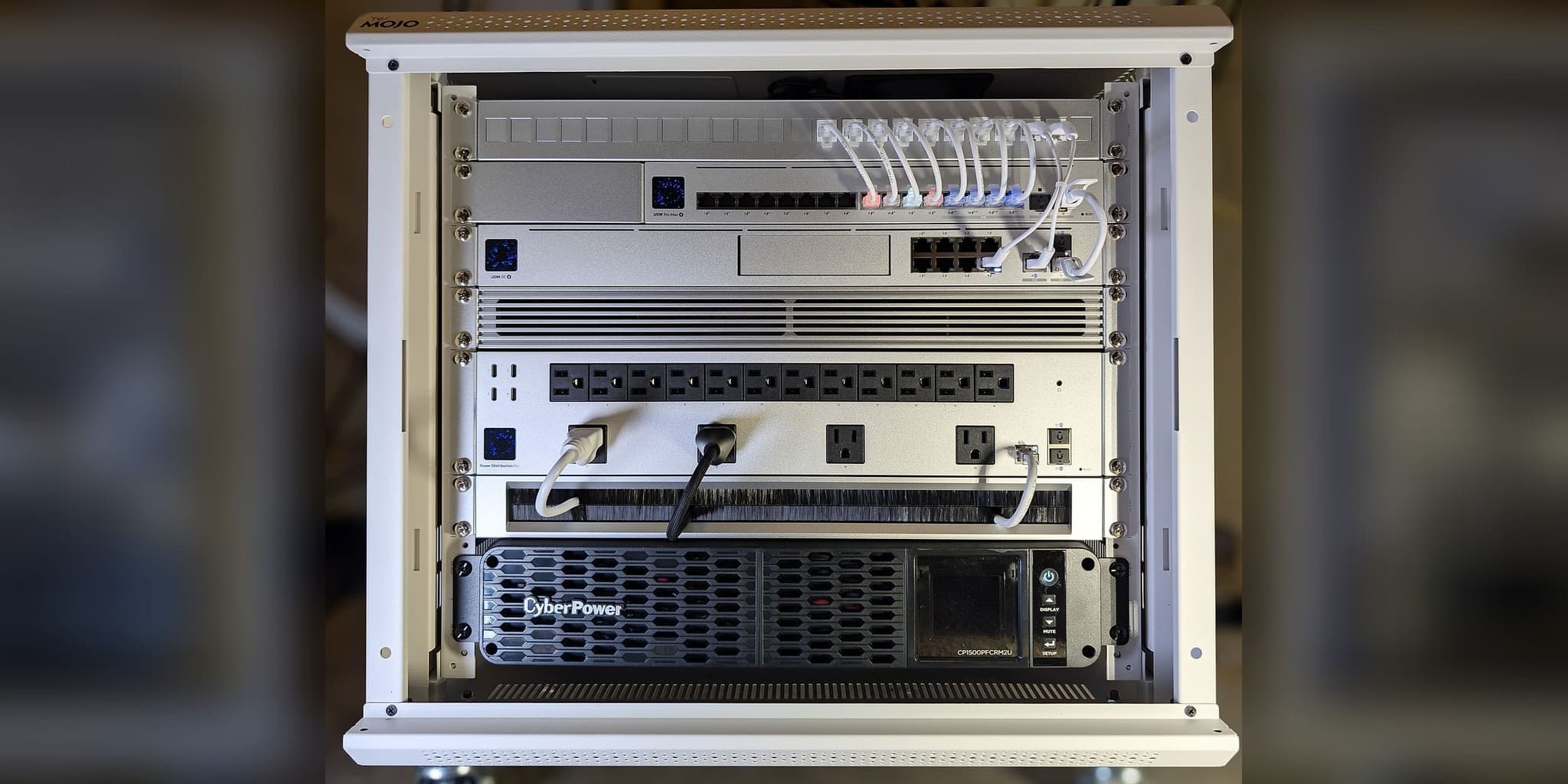 Lorton, VA · August 2026Executive Continuity ResidenceFios + Starlink Failover • Four WiFi 7 Zones • Commissioned While the Owner Was Overseas
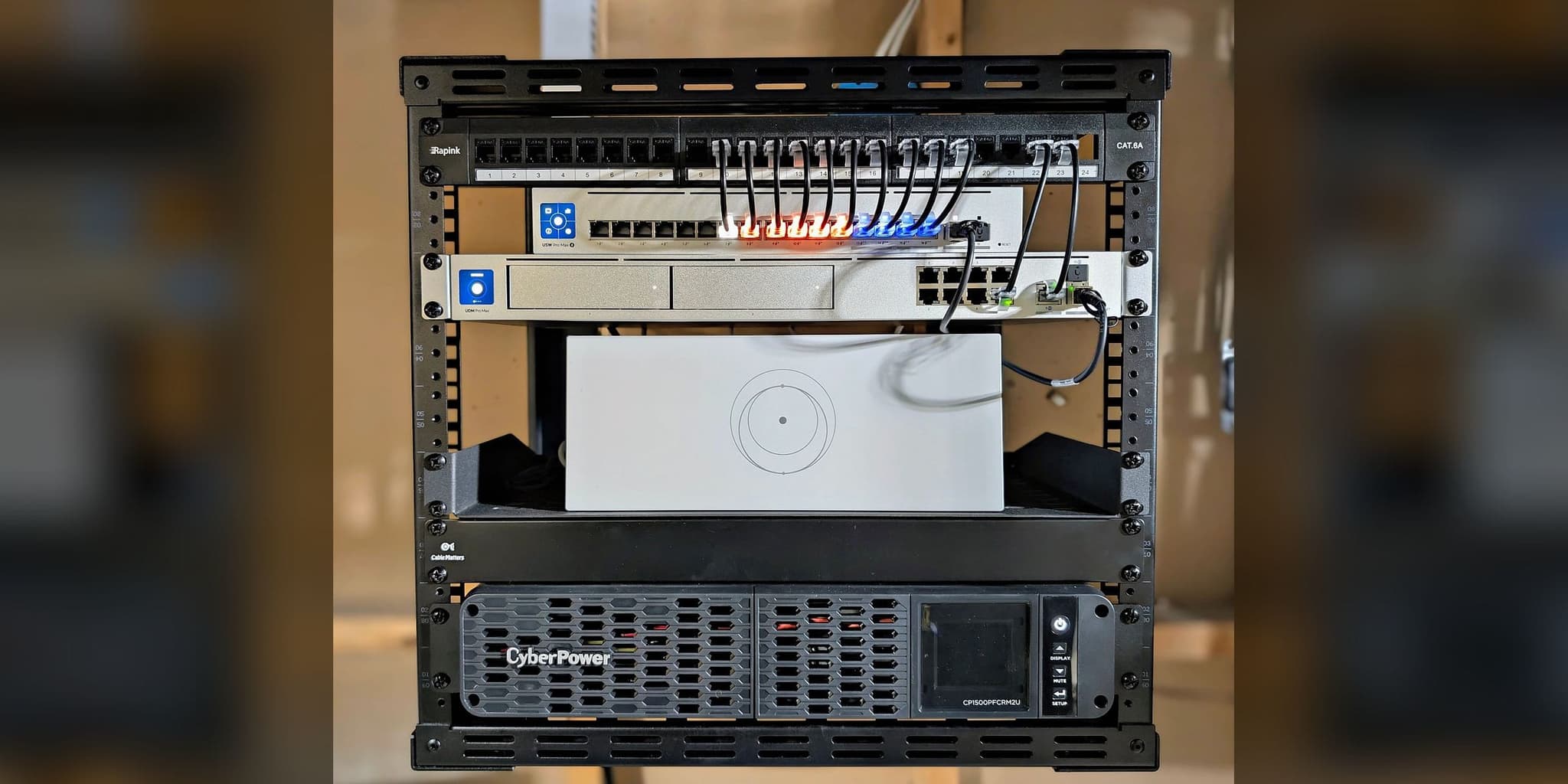 Potomac, MD · January 2026The Executive Resilience SystemNavy Surgeon • Dual-WAN Failover • WiFi 7 Coverage
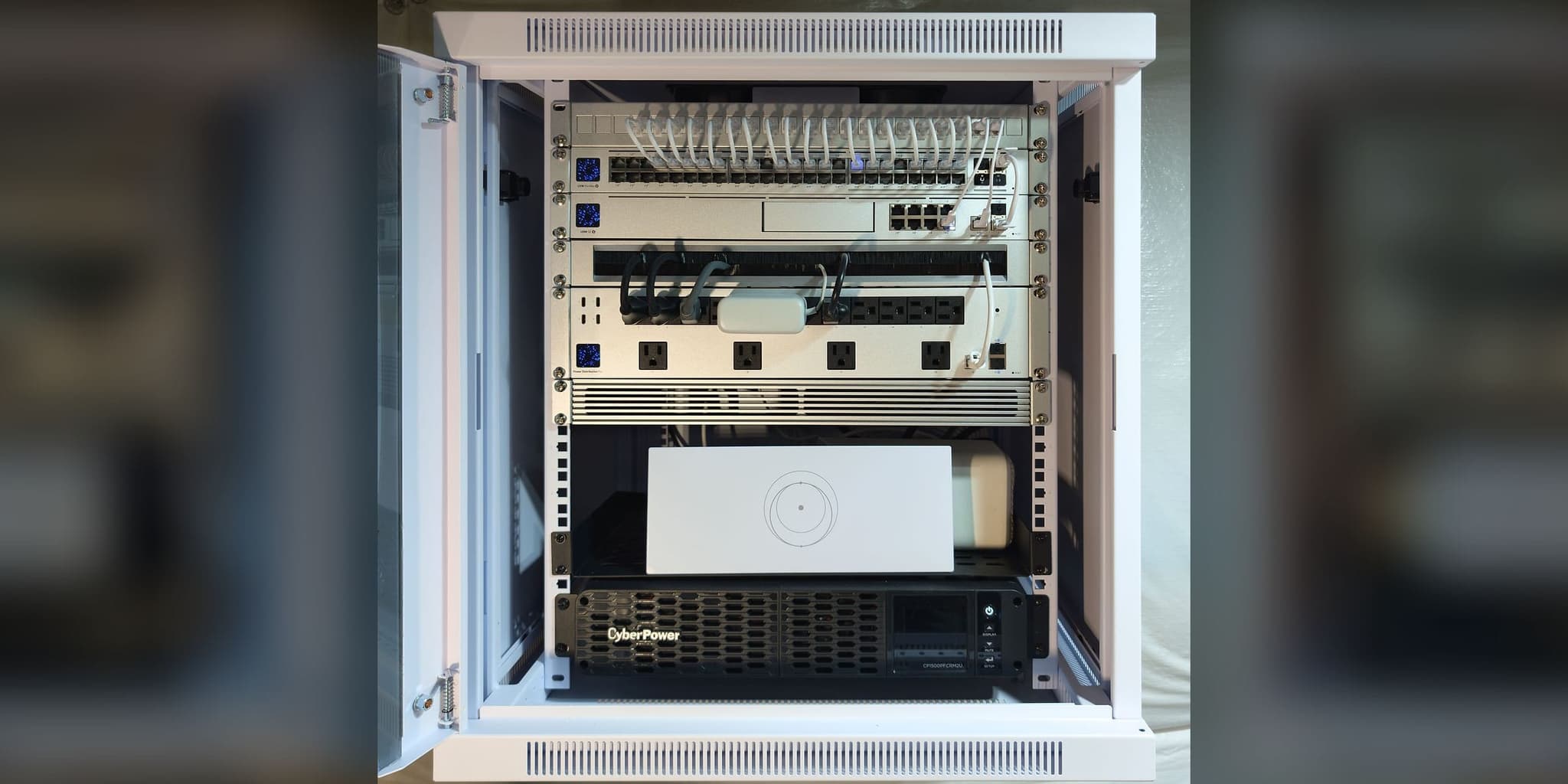 Partlow, VA · August 2026Home-Office Continuity NetworkComcast + Starlink Failover • 48-Port PoE Core • Every Endpoint Home-Run to the Basement Rack