Find where the connection is failing first
When Starlink underperforms, the cause may be the view of the sky, the equipment and how it was mounted, conditions on Starlink’s own network, or the Wi-Fi inside the house. Each has a different fix. Moving a dish does nothing for a provider outage, and a better mount does nothing for a bedroom the Wi-Fi never reaches.
So we check where the connection is failing before recommending a change. The Starlink app shows obstructed time and outage history. A speed test next to the Starlink router, compared with one in the room that struggles, separates the line coming in from the network inside. On wooded lots in Loudoun County the answer is often the sky view; in larger homes in Fairfax County it is often the Wi-Fi. Neither is a rule.
Five places to look
In roughly the order worth checking them.
The view of the sky
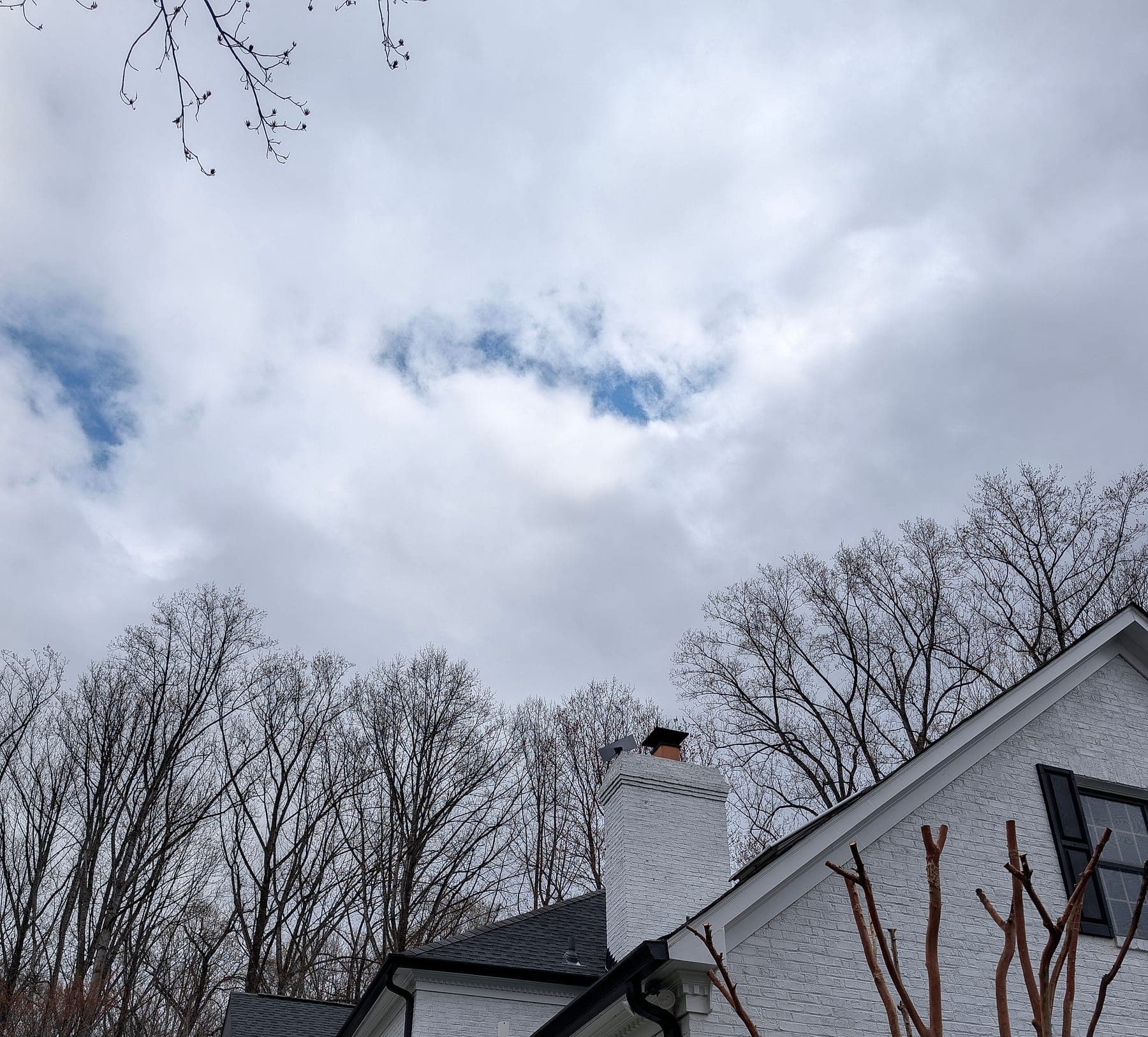
Starlink needs a clear view of the part of the sky the dish uses. Trees, ridgelines, and nearby buildings cause short, repeated dropouts that feel like the service failing. The Starlink app records obstructed periods, which is the first thing to check.
What to checkOn wooded lots in Loudoun and Fauquier counties, the answer is often a position that clears the tree line — a higher point on the roof, another building, or a pole in a clearing — rather than a stand on the deck.
Where and how the dish is mounted
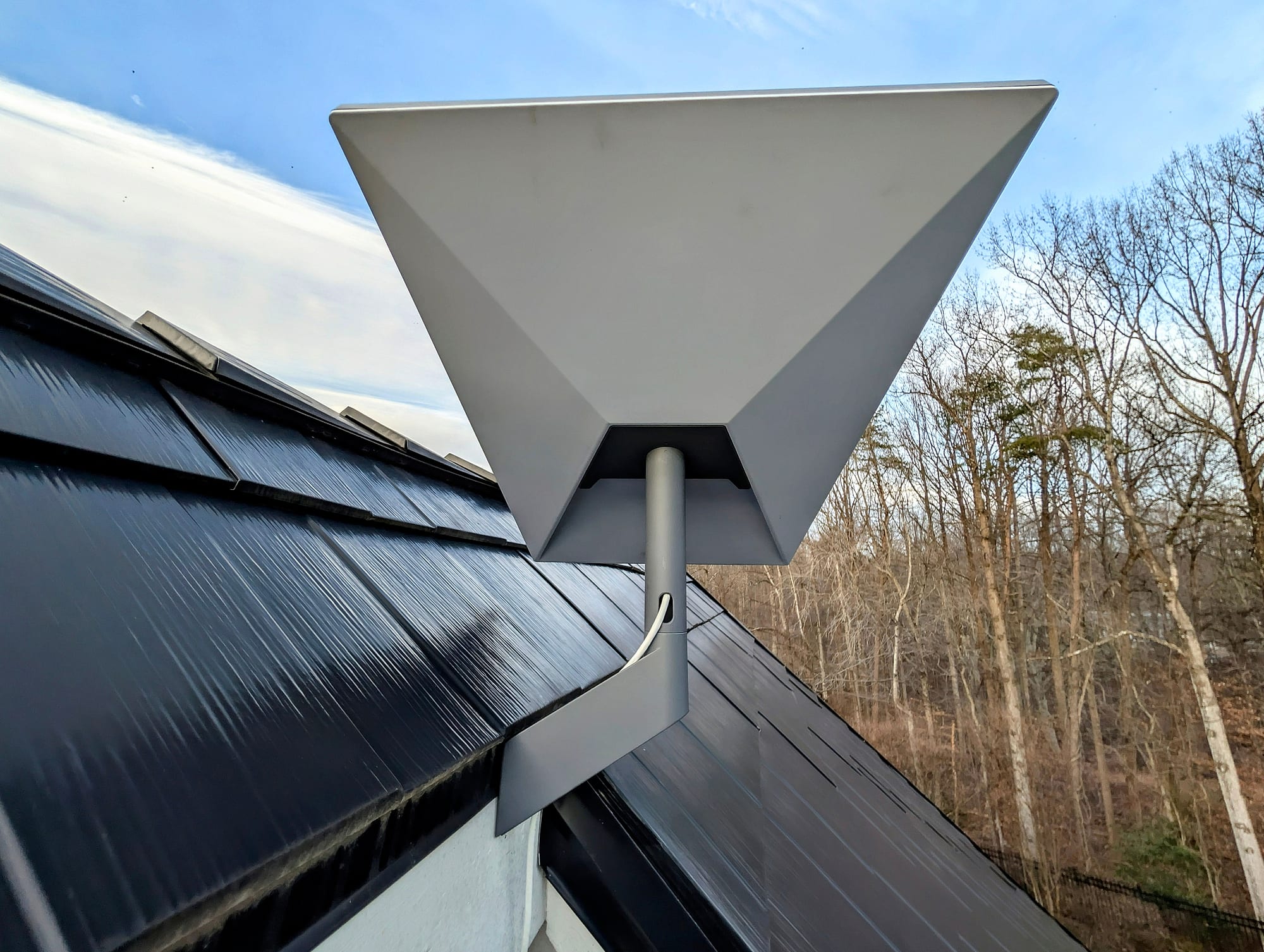
The same dish can behave differently a few feet higher or away from a tree. The mount also has to suit the roof and hold position in wind; a dish that shifts slowly loses part of its view.
What to checkMoving a dish to a position with a better view reduces obstructed time. How much it helps depends on the site, so the result is checked after the move rather than promised before it.
Provider conditions
Starlink’s own network has busy periods, outages, and plan-level differences in priority. Weather can affect the signal too. These are real causes, and no installation changes them.
What to checkThe app’s outage history separates a provider-side event from a local one. If the dish reports no obstruction and the outages line up with the provider’s, the fix is not on the roof.
The cable and the entry
A cable pinched at a window, an unsealed wall entry, or a run left loose on the roof can fail slowly, months after the installation. These problems are less common than obstruction but harder to spot.
What to checkA planned route, a weather-sealed entry, and a drip loop below it avoid most of them. On a long or exposed run, surge protection is worth discussing.
The Wi-Fi inside the house
What reaches a phone or laptop also depends on where the router sits, how far the Wi-Fi reaches, and what the walls are made of. Stone, plaster, and metal can weaken Wi-Fi between the router and the room that matters.
What to checkThis is hard to see from the app: the dish can report a healthy connection while the office upstairs still drops calls.
What fixed it on four documented projects
Each is a published project with its own record. The results are what that system did when it was checked at commissioning on that property, not a figure to expect on another one. Two of them also included network work beyond a standard Starlink installation, and the records say so.
Rural Estate Connectivity
Warrenton, Fauquier County, VA · October 2025- Problem
- A 15-acre wooded property on 5 Mbps DSL, with tree canopy on the south side limiting where the dish could go, and a workshop and detached garage that needed coverage.
- Work
- A roof mount set above the canopy line with a sealed cable entry, and Wi-Fi access points extended to the workshop and garage as part of a larger network project.
- Recorded at commissioning
- A speed test at commissioning showed 200+ Mbps, where the property had been on 5 Mbps DSL.
Executive Resilience System
Potomac, Montgomery County, MD · January 2026- Problem
- A telemedicine and research home office that could not depend on a single provider and a residential router.
- Work
- Starlink on a roof mount chosen for sky exposure and a clean cable path, set up as the automatic backup behind Verizon Fios on a UniFi gateway.
- Recorded at commissioning
- Failover tested at commissioning; no switchover time was recorded.
Executive Failover System
Leesburg, Loudoun County, VA · December 2025- Problem
- An HOA that restricted how and where the dish could be mounted, on a property that needed Starlink as its automatic backup.
- Work
- The HOA’s requirements were reviewed before the mount was chosen; the dish went on a custom bracket the HOA accepted.
- Recorded at commissioning
- Switchover tested at commissioning, on a mount the HOA accepted.
Loudoun New Construction Estate
Loudoun County, VA · May 2026- Problem
- A new build where the mount position, the cable route, and the equipment room had to be decided before the walls closed.
- Work
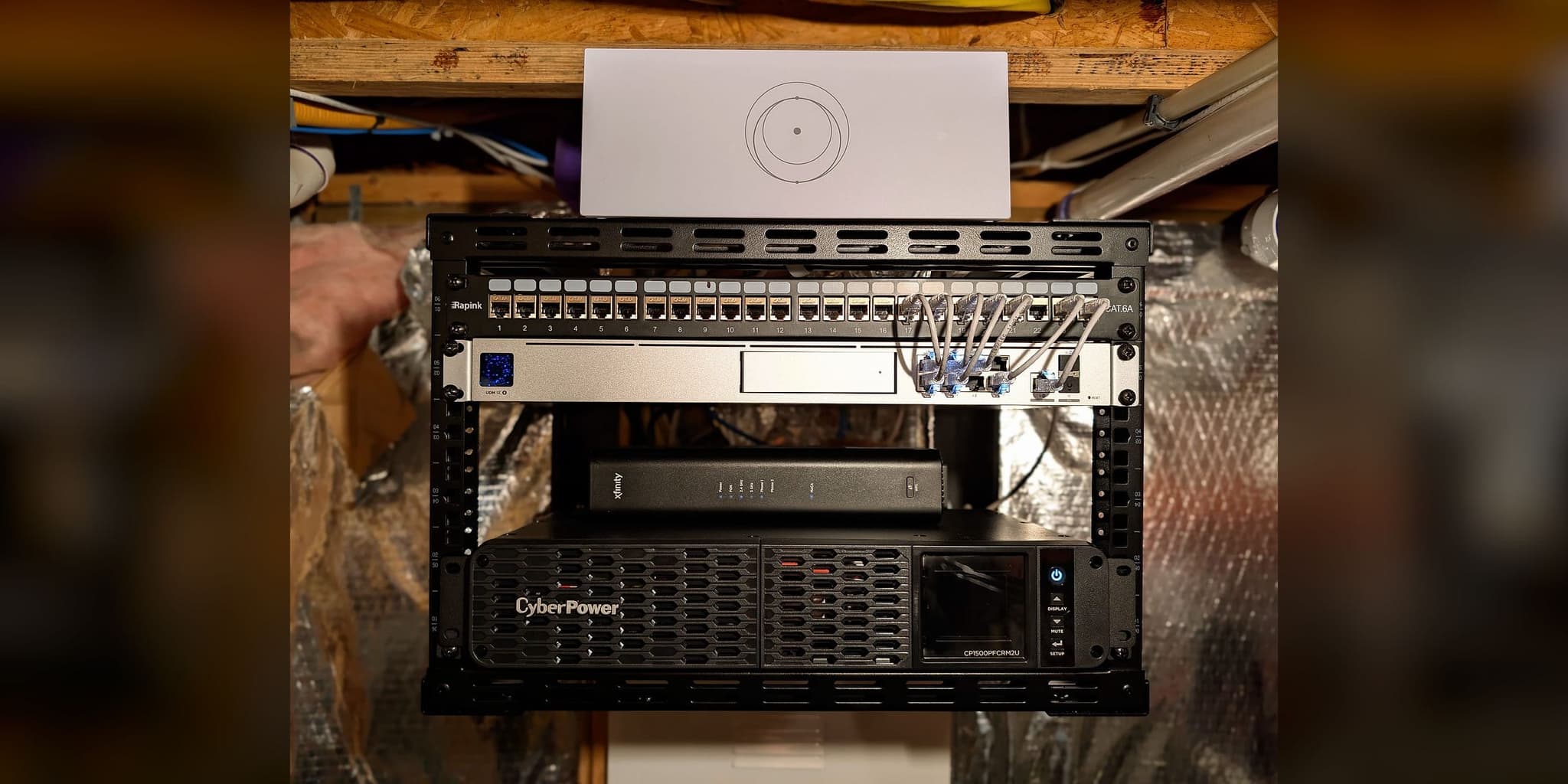
- Starlink at the roof peak, with the interior cable path concealed during construction and terminated at the home’s network rack.
- Recorded at commissioning
- Failover between Starlink and the primary provider tested before handover.
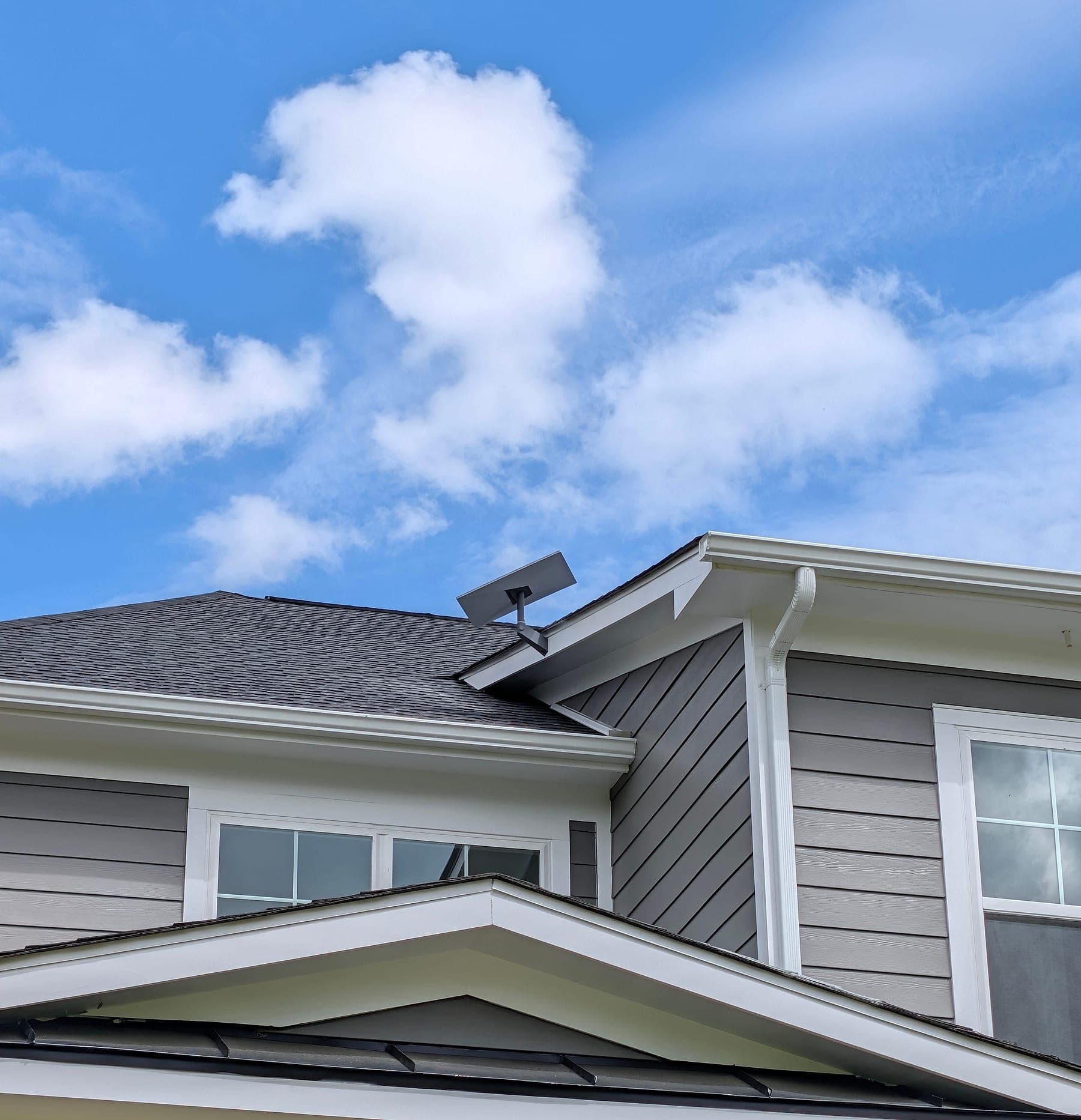
HOA requirements deserve a note. The federal Over-the-Air Reception Devices rule limits some restrictions on small satellite antennas; whether and how it applies depends on the property. Either way, a planned position, a tidy cable route, and clear installation details make a review easier. The Leesburg mount was accepted because the requirements were reviewed before the mount was chosen.
Setting it up yourself, a standard installation, or a larger project
Starlink designs its kit so owners can set it up, and plenty do. A professional standard installation adds the parts that take tools, a ladder, and experience with roofs. A larger project, such as more Wi-Fi access points, a link to another building, or automatic backup internet, is separate from both.
| Part | Setting it up yourself | Professional standard installation |
|---|---|---|
| Sky view | The Starlink app’s obstruction check, from the spots you choose. | The same check from each position that could work, with summer leaves in mind. |
| Mounting | Starlink’s own stands and mounts, at positions you can reach safely. | A mount suited to the roof, or a pole where the roof is blocked. Lift access and specialty mounts are quoted separately. |
| Cable | Your route into the house, through a window, wall, or attic. | A planned route with a weather-sealed entry and a drip loop. |
| Inside the house | The Starlink router’s Wi-Fi, or your own router if you connect it. | Connected to your router or mesh system where you have one. More access points are a separate project. |
| Backup internet | Not included. | Not included in a standard installation. Automatic failover needs a dual-connection gateway and testing, quoted as its own project. |
| Afterwards | Starlink support for the service and the hardware. | Starlink support for the service, plus a written record of the installation, a workmanship warranty, and Eric Enkh’s direct number. |
The deciding factor is the property, not the owner’s skill: tall trees, a steep or fragile roof, a long cable run, or a house where the Wi-Fi already struggles. A professional Starlink installation can use your kit or one we supply, and is quoted in writing once the mount and cable route are confirmed; work beyond the standard scope is quoted in writing before it goes ahead.
Which approach fits your property
Four questions settle most cases.
The view of the sky
Setting it up yourself fits
Open sky from a spot you can reach without a tall ladder.
Professional help fits
Tall trees, a ridgeline, or a roof where the only clear spot is hard to reach.
The roof and the cable run
Setting it up yourself fits
A simple roof or a ground stand, and a short route indoors.
Professional help fits
A steep, slate, tile, or metal roof, a long run, or an entry through finished walls.
The Wi-Fi inside
Setting it up yourself fits
A modest house where the current Wi-Fi already reaches the rooms you use.
Professional help fits
A large house, masonry walls, or outbuildings, where Wi-Fi is part of the problem. That is a network project, not a Starlink installation.
What depends on it
Setting it up yourself fits
Streaming and browsing, where an occasional dropout is tolerable.
Professional help fits
A home office or other work that needs a backup line set up and tested.
If the property has open sky, a simple roof, and Wi-Fi that already reaches the rooms you use, setting it up yourself is reasonable. If it has trees, a difficult roof, or a long run, a standard installation is quoted in writing. If the Wi-Fi inside the house is the problem, or the connection supports work that needs a backup, that is a network project. Where Starlink is the backup for a home office, see internet failover for home offices; where the choice is between Starlink and a cellular provider, see Starlink vs. T-Mobile Home Internet.