The $2,000 Mistake: Why Estate Owners Regret DIY
The re-do always costs more than doing it right the first time.

Most home networks do not fail because the hardware is bad. They fail because the service model does not match the property. After 315+ deployments across Northern Virginia, the line is fairly clear.
Problem Framing
Most underperforming home networks are not equipment failures. They are design failures. A retail service call is being asked to solve a property that needed architecture.
After 315+ deployments, the pattern is consistent. Consumer gear and a competent retail installer work well on straightforward single-building homes. They struggle once the property adds 4,000+ sq ft, stone or metal interference, detached structures, camera density, or continuity requirements.
This is why homeowners often think they have a hardware problem when they actually have an architecture problem. The question is not which brand is better. The question is whether the property should be treated as a simple install or as infrastructure.
Applicability
This comparison matters if your property includes one or more of the following conditions:
If none of these conditions apply, a retail install is usually sufficient. Once two or three do, the pattern tends to change.
Comparison
These are different operating models, not interchangeable price points.
| Dimension | Geek Squad / Retail | Professional Installer |
|---|---|---|
| Pricing Model | Per-visit labor with equipment purchased at retail. Low entry cost, but rework compounds when the first design is wrong. | Scoped deployment with architecture, commissioning, and commercial hardware. Higher entry cost, lower rework. |
| Equipment Tier | Consumer platforms from shelf stock. Appropriate for straightforward coverage, not long-lifecycle infrastructure. | Commercial platforms such as UniFi, Meraki, Ruckus, and Cambium. Centralized management and longer support windows. |
| Network Design | Template placement. No RF survey, no material analysis, no site-specific capacity plan. | Property-specific design: floor plans, construction materials, cable paths, backhaul, segmentation, and failover. |
| Scalability | Adequate for a simple single-building home. Limited once detached structures, camera density, or mixed traffic enter the picture. | Built for 4,000+ sq ft homes, detached offices, guest houses, pools, surveillance, and office traffic on one system. |
| 5-Year Total Cost | $1,200–$3,500 if the property stays simple. Higher once repeat visits, replacements, or partial re-dos begin. | $2,500–$8,000 for most large single-building homes. Higher on estates, but usually one architecture cycle. |
| Support Model | Rotating technicians and centralized support. Accountability is fragmented. | Continuity with the engineer or firm that designed the system. Clear ownership of outcome. |
Retail Model
A retail service call is optimized for setup and troubleshooting on straightforward properties.
Engineered Model
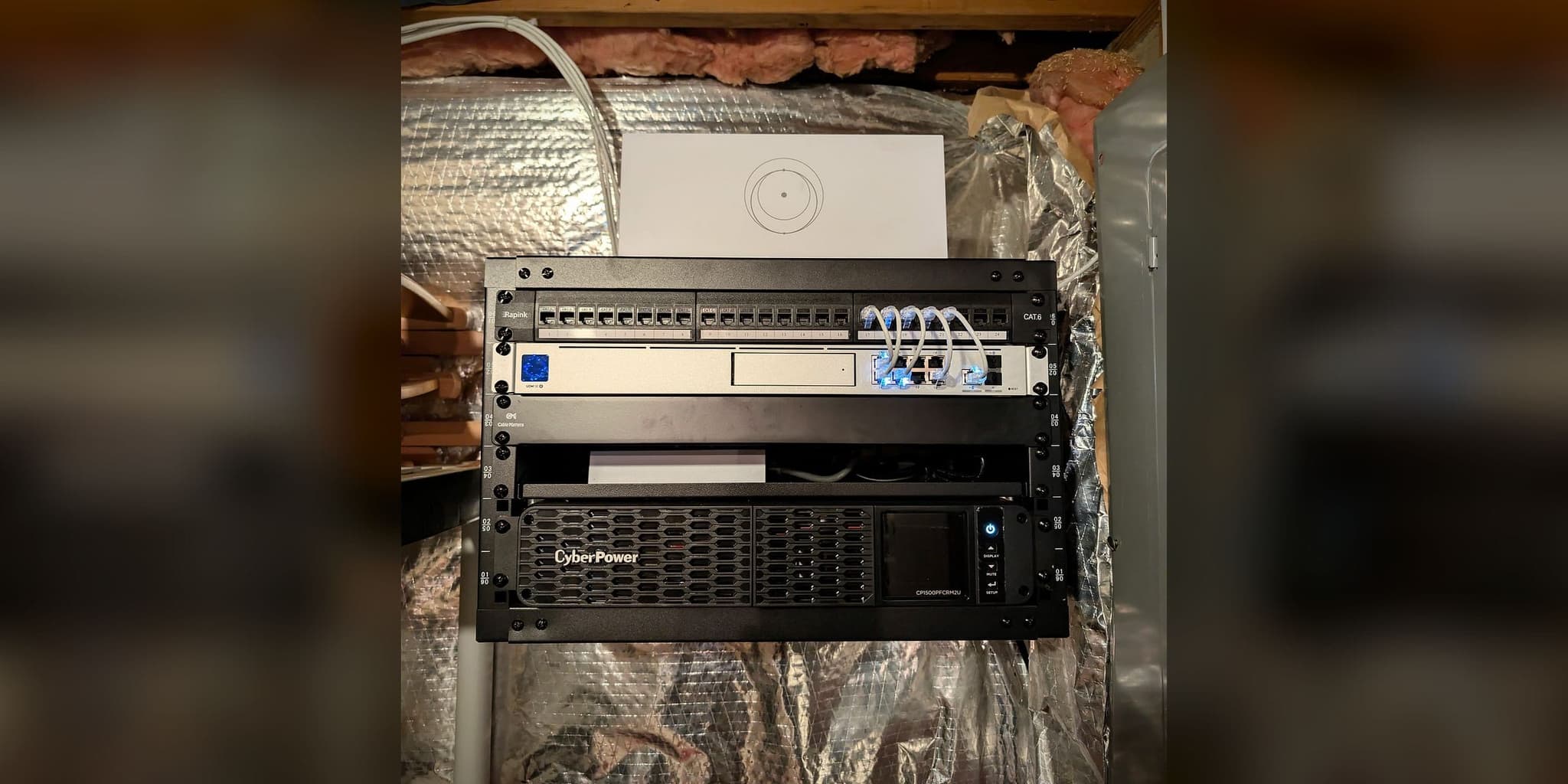
The difference is not a more expensive router. It is system design.
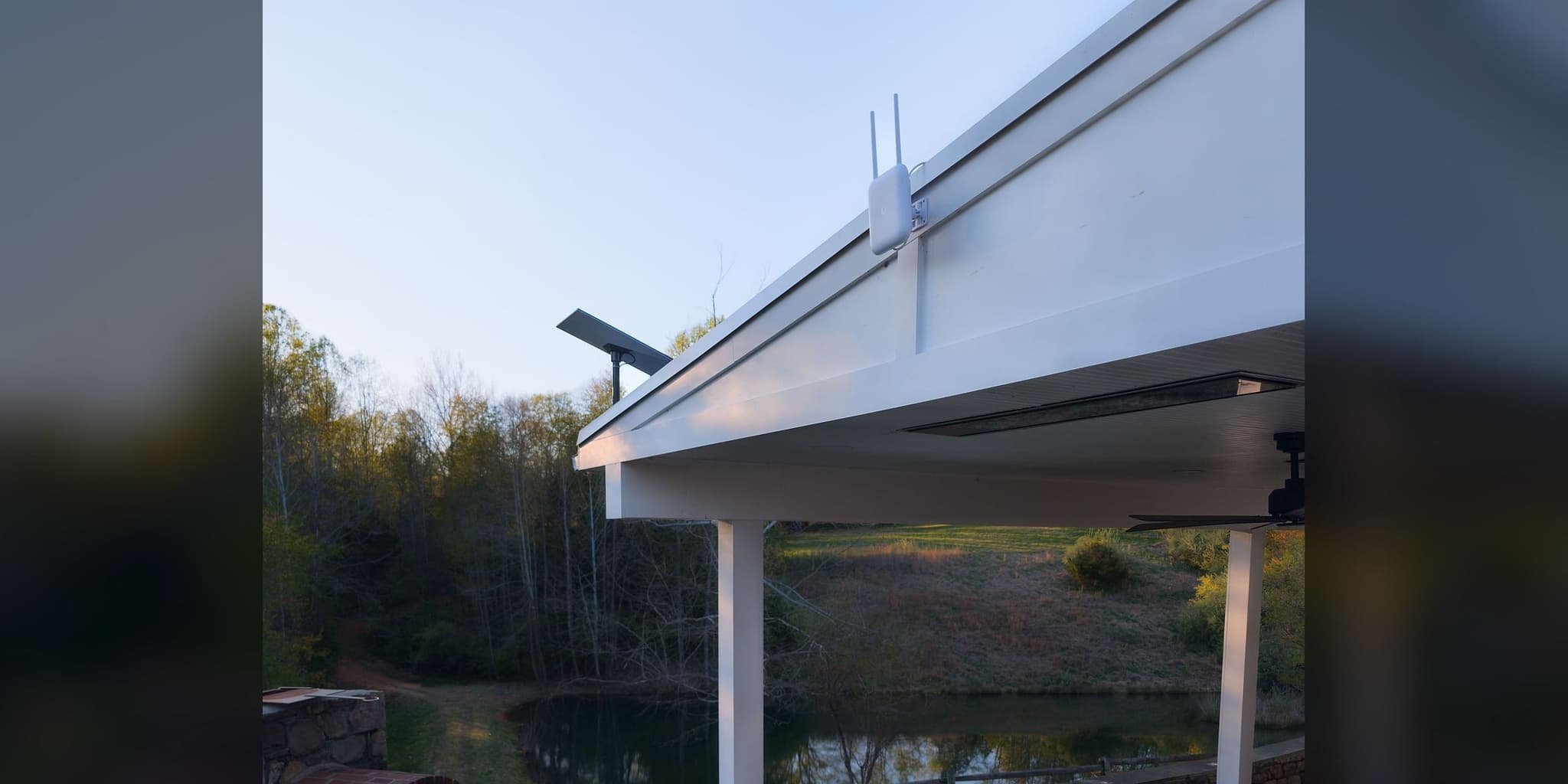
The system-level difference is straightforward. On a large home or multi-building estate, the critical decisions are cable paths, backhaul, access point density, camera traffic, segmentation, and failover behavior. Once those variables matter, hardware selection becomes secondary to architecture. For reference, our projects typically begin around $899–$1,299 for Starlink work and $2,500+ for large-property network deployments.
Cost Over Time
The pattern is consistent: retail is cheaper until the property becomes complex enough that rework is built in.
Geek Squad / Retail
One equipment cycle and an occasional revisit.
Professional Installer
One deployment. Little operational advantage over retail.
Verdict: Retail is the rational choice here.
Geek Squad / Retail
Refreshes, repeat visits, lingering dead zones, no redundancy.
Professional Installer
Full-property design with stable office and camera performance.
Verdict: Up-front cost is higher; operational friction is lower from day one.
Geek Squad / Retail
Cannot resolve the architecture. Rework is usually followed by a full rebuild.
Professional Installer
Dedicated backhaul, centralized management, optional failover.
Verdict: This is infrastructure, not a retail service call.
Across our deployment history, the dividing line is not household income or equipment taste. It is property complexity and consequence of failure. For simple homes, retail is efficient. For executive homes, engineered systems reduce friction early. For multi-building estates, the question is not price alone; it is whether the architecture can support the property at all.
Decision Framework
These variables matter before brand, speed tests, or marketing claims.
Square footage is only one variable. Stone, plaster, metal, low-E glass, floor separation, detached structures, and tree cover determine signal behavior faster than total area does. A 3,000 sq ft stone farmhouse can be harder than a 6,000 sq ft open-plan modern home.
A house with 15 light-use devices is one problem. A property with 40+ IoT endpoints, 12 cameras, streaming TVs, and a home office is another. Mixed traffic exposes weak backhaul and weak access point placement very quickly.
If losing internet for a few hours is tolerable, consumer gear is often enough. If connectivity supports board calls, trading, telemedicine, remote access, or estate security, you are solving for continuity, not convenience.
Consumer mesh is often revisited every 24–36 months. Commercial access points commonly stay inside the same management ecosystem for 7–10 years. The practical question is whether you want an appliance or an operating system.
The most common error is solving for first invoice instead of failure cost. A $299 visit that leaves dead zones, unstable cameras, or no continuity plan is not cheaper. It is simply the first payment in a longer repair cycle.
Bottom Line
Most poor home networks are design failures, not hardware failures.
Retail service is appropriate when the home is simple and the cost of failure is low.
Once a property exceeds roughly 4,000 sq ft, adds outbuildings, or carries executive and camera traffic, system design matters more than brand.
The long-term cost question is not first invoice; it is rework, downtime, and replacement cycles.
If the property sits near the boundary, assess it before buying hardware.
Both models exist for a reason. A retail service call is appropriate when the requirement is modest and failure is tolerable. It is not designed to carry a 6,000 sq ft stone house, detached office, pool pavilion, 14-camera system, and executive home office without careful design. The field pattern is consistent: once the property behaves like infrastructure, it should be treated like infrastructure.
We see this boundary most often on properties across Fairfax County, Loudoun County, and Northern Virginia, where size, materials, and outbuildings turn WiFi into an infrastructure question.
A site assessment is the fastest way to determine whether a retail install is sufficient or whether the property requires engineered coverage, segmentation, or failover before more money is spent on hardware.
Continue Reading