Who this comparison is for
If you are comparing Starlink and T-Mobile Home Internet, you are usually in one of two situations: wired broadband is not available where you live, or the wired service that is available is not dependable enough to trust with work.
This is not a spec-sheet comparison. We install Starlink and design networks around both services across Loudoun County farms and Fairfax County estates. What matters is how each service behaves after installation, during outages, and under ordinary daily demand.
Disclosure: We are a professional Starlink installer, and we charge for standard-scope Starlink installation. We do not sell T-Mobile products. Even so, we recommend T-Mobile to clients regularly, sometimes as the primary connection and sometimes as the terrestrial half of a dual-WAN design. The right answer depends on the site conditions, not on what we install.
A note on prices and policies. Both providers change plan pricing, hardware offers, and data policies by region and promotion. This article describes how the services behave and links to the providers’ own pages for current terms rather than quoting figures that will be wrong within a year.
Head-to-head comparison
Based on field work with Starlink and T-Mobile configurations across Northern Virginia and Maryland.
| Category | Starlink | T-Mobile | Edge |
|---|---|---|---|
| AvailabilityStarlink reaches places where tower-based and wired options still do not. | Any address with a workable sky view and capacity in the local cell | Only addresses T-Mobile qualifies; tower distance and sector capacity decide | |
| Download and uploadNeither should be selected from an advertised range; test at the property. | Plan, obstruction, and congestion dependent | Signal strength and tower load dependent | |
| LatencyBoth support video calls when the link is healthy. | Low-earth-orbit path; tens of milliseconds in typical conditions | Often lower when the tower is close; rises with distance and load | |
| WeatherA terrestrial signal is the more weather-stable of the two. | Heavy rain and snow accumulation can degrade the link; the dish has built-in snow melt | Minimal weather sensitivity | |
| Monthly costBoth change with region and promotion. Confirm current pricing at the address before deciding. | Residential plans priced by tier and region | Plans generally priced below Starlink Residential | |
| EquipmentStarlink involves a hardware decision before installation starts. | Dish and router purchased or rented, depending on the current offer | Gateway supplied with the plan | |
| Data policyT-Mobile publishes this prioritization on its Home Internet page; read it before treating the plan as unconstrained. | Unlimited, subject to Starlink’s Fair Use Policy | Unlimited, but Home Internet traffic is prioritized behind mobile customers during congestion, and further reduced above 1.2 TB in a month | |
| Network integrationEither can feed a managed gateway. How the network reaches other buildings is a separate question from the provider. | Bypass mode hands the connection to your own router or gateway | The supplied gateway offers fewer options for handing the connection to your own router | |
| ContractBoth can be tried at the property and cancelled. | No annual contract | No annual contract |
Observations reflect field work across Northern Virginia and Maryland. Results vary by terrain, tree line, roof geometry, tower sector load, service plan, and local RF conditions.
Starlink: strengths and limitations
Strengths
- Available where tower-based and wired options do not reach
- Performance is usually more consistent than cellular in low-density rural areas
- Hands the connection cleanly to your own router in bypass mode
- Built-in snow melt helps through Mid-Atlantic winters
Limitations
- Higher recurring cost than cellular in most markets
- A hardware decision up front, purchased or rented
- Latency higher than a close terrestrial tower, though well within video-call range
- Heavy rain or snow can temporarily reduce speeds
- Placement matters: a dish with a blocked view drops out
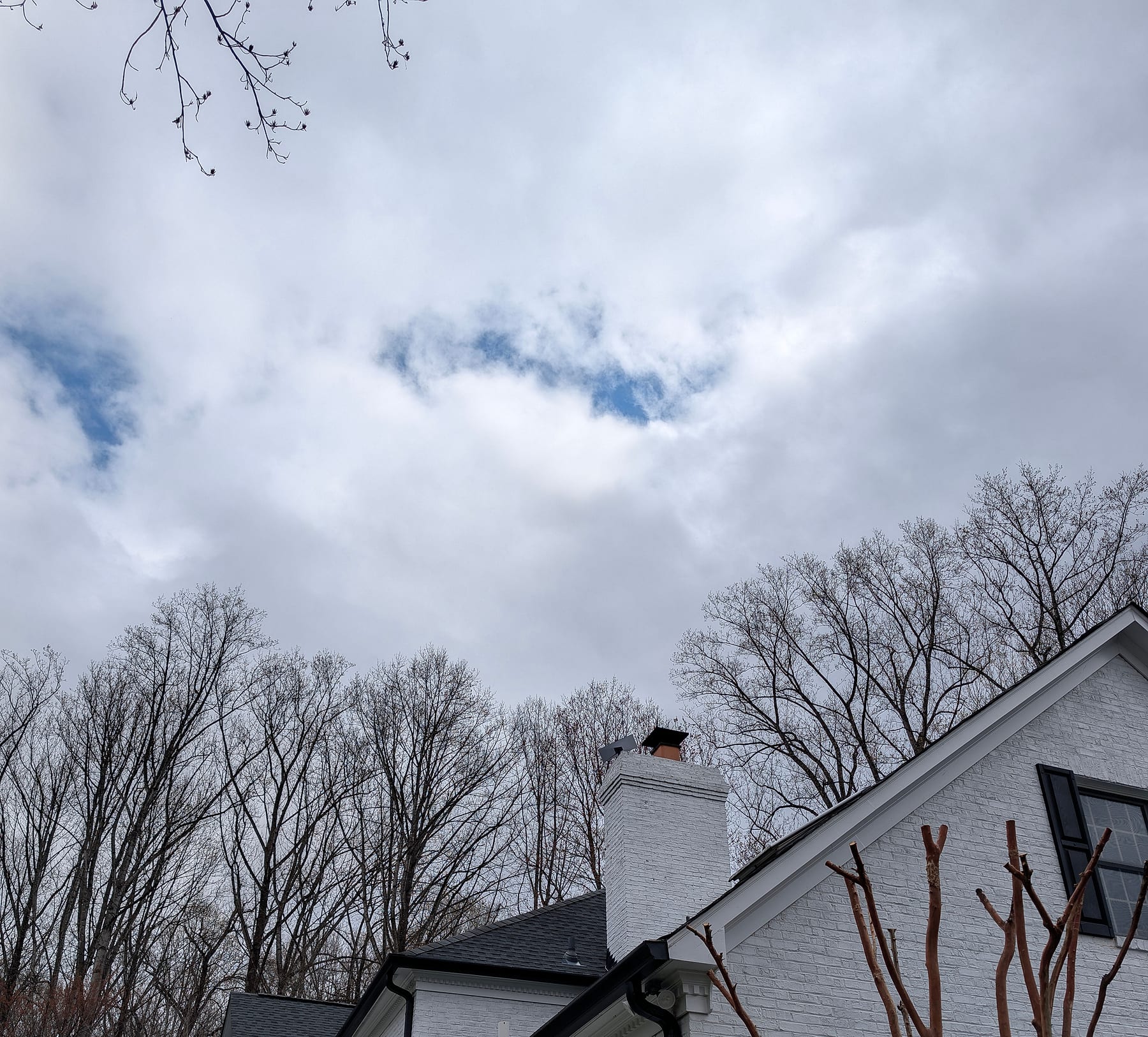
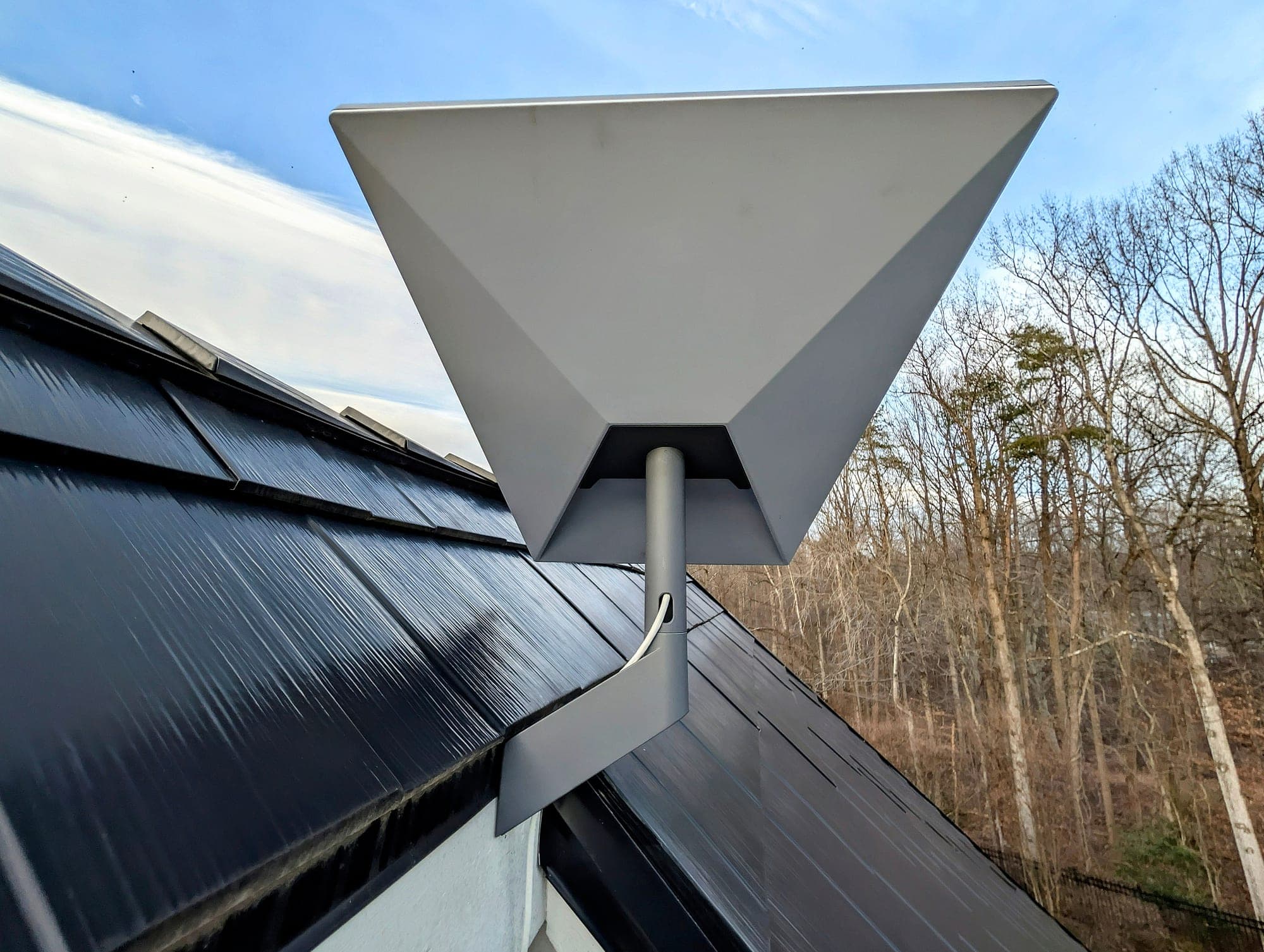
Field note: Starlink performance is largely determined by placement. On a documented 15-acre Fauquier County estate that had been living on 5 Mbps DSL, the south-side tree canopy constrained where the dish could go. A roof mount set above the canopy line, with a sealed cable entry, measured 200+ Mbps at commissioning. The improvement came from geometry, not from the plan. The record is in the Warrenton case study.
T-Mobile Home Internet: strengths and limitations
Strengths
- Generally the lower monthly price where the address qualifies
- Lower latency when the tower is nearby, which helps gaming and real-time work
- Plug-in gateway; no mounting, cabling, or roof work
- Weather-stable terrestrial signal
- No annual contract
Limitations
- Entirely tower-dependent: if the RF conditions at the address are poor, the service is poor
- Throughput varies by time of day, especially under evening sector congestion
- Prioritized behind mobile customers during congestion, and further above 1.2 TB in a month
- The supplied gateway offers fewer options when it has to feed your own router
- Indoor signal can vary from room to room, so where the gateway sits matters
Field note: T-Mobile Home Internet can work very well, but tower distance and congestion decide it. On rural properties in Fauquier and western Loudoun, signal inside the house is often too weak for dependable primary service; nearer the denser parts of Fairfax and Loudoun it is more often strong enough. A test at the house tells you more than a coverage map, and T-Mobile’s own disclosure that Home Internet is prioritized behind mobile customers during congestion is worth reading before treating the plan as unconstrained.
The best setup: both, behind dual-WAN failover
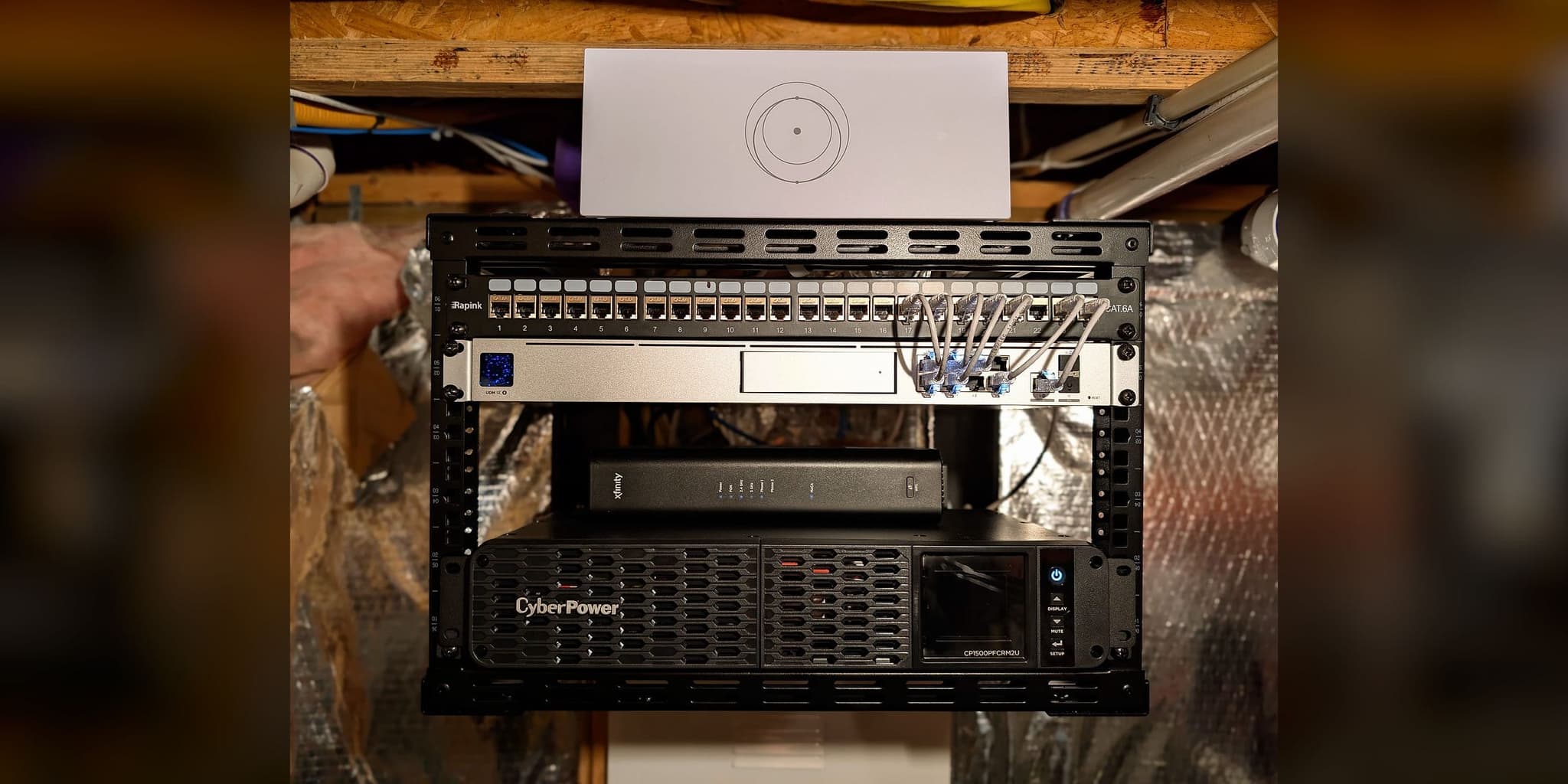
If your income depends on staying online, remote work, telemedicine, or a home-based business, running both services behind a managed dual-WAN gateway is often the most practical residential design.
How it works
- 01Starlink runs as the primary WAN where its bandwidth profile is the better fit for the property.
- 02T-Mobile Home Internet runs as the secondary WAN and provides an independent, terrestrial path.
- 03The gateway monitors both circuits on a fixed health-check interval instead of waiting for someone to notice a failure.
- 04When the primary stops responding for longer than the configured threshold, traffic moves to the secondary automatically.
- 05When the primary recovers, traffic returns according to policy, without manual intervention and without flapping between paths.
Our documented continuity projects pair a wired provider with Starlink rather than Starlink with cellular, but the gateway design is the same. On the Potomac executive residence, Verizon Fios is the primary path and Starlink the automatic backup, and the switchover was tested at commissioning. How fast a given pair recovers, and which sessions survive the change, depends on the thresholds, both providers, and the application, which is why the behavior is tested at handoff rather than promised. The design detail is covered in our article on internet failover for home offices.
The recurring cost of running both is the sum of two plans plus a one-time managed gateway. For a household where downtime carries a direct business cost, that is usually an easy number to justify; for a household that mostly streams, it usually is not.
Our decision framework
This is how we think it through with clients.
Choose Starlink if
- No T-Mobile sector reaches the property with usable signal, or the address does not qualify.
- The sky view is clear enough and you want a connection that does not depend on a nearby tower.
- You need performance that does not swing with evening tower congestion.
- The current options are DSL, legacy geostationary satellite, or nothing.
Choose T-Mobile if
- The address qualifies and a test inside the house shows strong, consistent signal.
- Recurring cost is the primary concern.
- Low latency matters most, and the tower is close.
- You would rather avoid roof work: the gateway plugs in indoors.
Choose both, behind dual-WAN, if
- Your income depends on the connection staying up.
- Either provider has a history of outages at the property.
- Telemedicine, remote executive work, or business-critical applications run from the home.
- You would rather design against downtime than explain it.
Not sure which applies? Start with a free project review. The address, T-Mobile’s eligibility check, a phone’s signal inside the house, and the Starlink app’s view of the sky often narrow it down without a visit. If the answer depends on testing at the property, we say what would be tested before any paid visit, such as the On-Site Assessment, is booked, and confirm its fee first.