Great WiFi in the main house, nothing in the barn
It is a familiar pattern. A good mesh system goes into the main house and coverage improves. Then someone walks into the barn for a call, opens a camera feed from the guest house, or tries to stream music in the pool house, and the connection drops or crawls.
This is an architectural mismatch, not a bad purchase. Consumer mesh was designed for one structure of a few thousand square feet with drywall and a predictable layout. A property with several buildings across several acres is a different problem, and it needs a different layer of infrastructure that mesh does not contain.
The short version. Your estate is asking WiFi to do two jobs at once: provide coverage inside each building, and act as a long-distance backbone between buildings. Mesh is only built for the first.
Why consumer mesh fails at estate scale
Mesh systems are not bad. They are optimized for the wrong environment, and on a multi-building property they run into four constraints that no firmware update resolves.
Constraint 1
Distance is a hard ceiling
Inside a house the distance between mesh nodes is a few dozen feet through drywall. On an estate a node is being asked to reach a building a few hundred feet away, through weather, with nothing designed for that span.
Constraint 2
Obstacles turn wireless into unpredictable
Tree lines, stone walls, metal roofs, and grade changes degrade a wireless path dramatically. A guest house behind a tree line can be close on the plat and still unreachable for a consumer node.
Constraint 3
Every wireless hop costs throughput
Mesh nodes relay over the same airspace that serves your devices. Each hop adds latency and removes a share of usable throughput, so the far building receives the least capacity and the most instability.
Constraint 4
Mesh is not a backbone
A property with several buildings needs a planned link between them. Mesh improvises that link out of radios built to fill rooms, and nothing records how it is put together.
Fiber, where a permanent path exists
Ask a network engineer how to connect two buildings and the first answer is fiber in conduit. It is the right first answer for three reasons that have nothing to do with speed tests.
Capacity that outlasts the equipment. A single-mode or multimode run carries 10 Gbps today and more later by changing the optics at each end, not the cable in the ground. The same 10 Gbps fiber uplinks now carry the gateway-to-switch link inside our recent Lorton and Partlow continuity builds; between buildings, the case is stronger.
Isolation between structures. Fiber is non-conductive. A copper run between two buildings couples ground-potential differences and nearby lightning between them; fiber does not, which is why copper should not be the thing that ties a barn to the house.
Independence from line of sight and weather. Nothing about a tree line, a new outbuilding, or a storm changes what is in the conduit.
What fiber requires is a permanent path: excavation or directional boring, conduit, termination in each building, and a landscape that can be opened and restored. Rock, mature root systems, driveways, and protected ground can make the best route impossible, which is where the next section applies.
Point-to-point bridges, where conditions support them
A point-to-point bridge is two dedicated radios aimed at each other: a cable in the air between Building A and Building B. It is not an extender and it is not mesh. Its only job is transport, and when the conditions are right it does that job well.
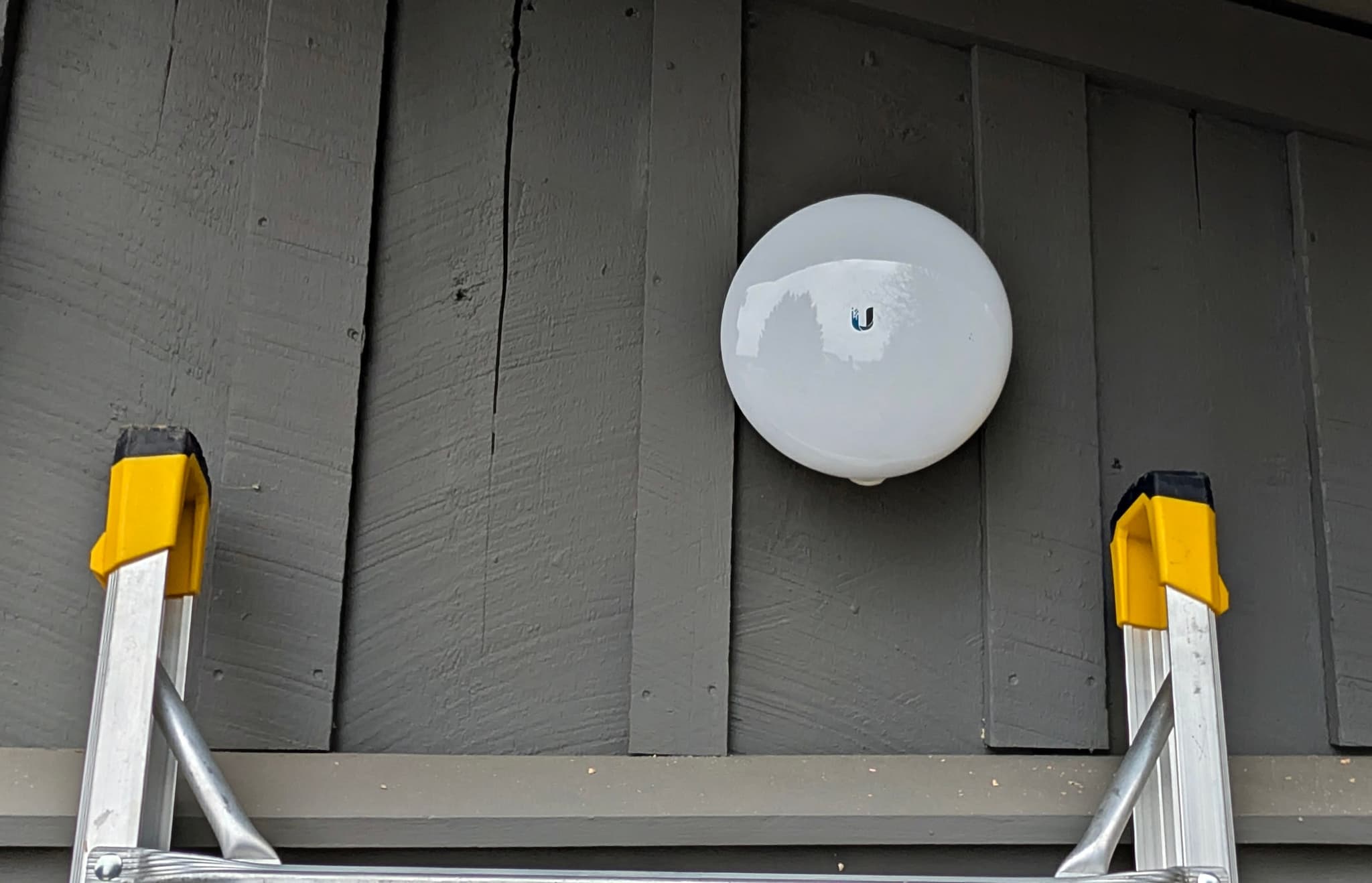
The conditions are specific. A clear line of sight between two mounting points, usually above the tree line. A span within the radio’s rating: as one reference point, Ubiquiti rates its 60 GHz UniFi Building Bridge for up to 500 meters, roughly 1,640 feet, at 1.7 Gbps or more, with a 5 GHz radio that takes over when heavy rain attenuates the 60 GHz link. Mounting height and aim that hold through wind. Weatherproofing, surge protection, and grounding at both ends, because the radios are the one part of the network that lives outside.
A bridge mounted by eye, at the wrong height, without weatherproofing is the pattern behind the link that works on a calm day and drops in the first storm. Installed correctly, it is infrastructure, and it is the right choice when a trench is impossible or disproportionate to the structure it would serve.
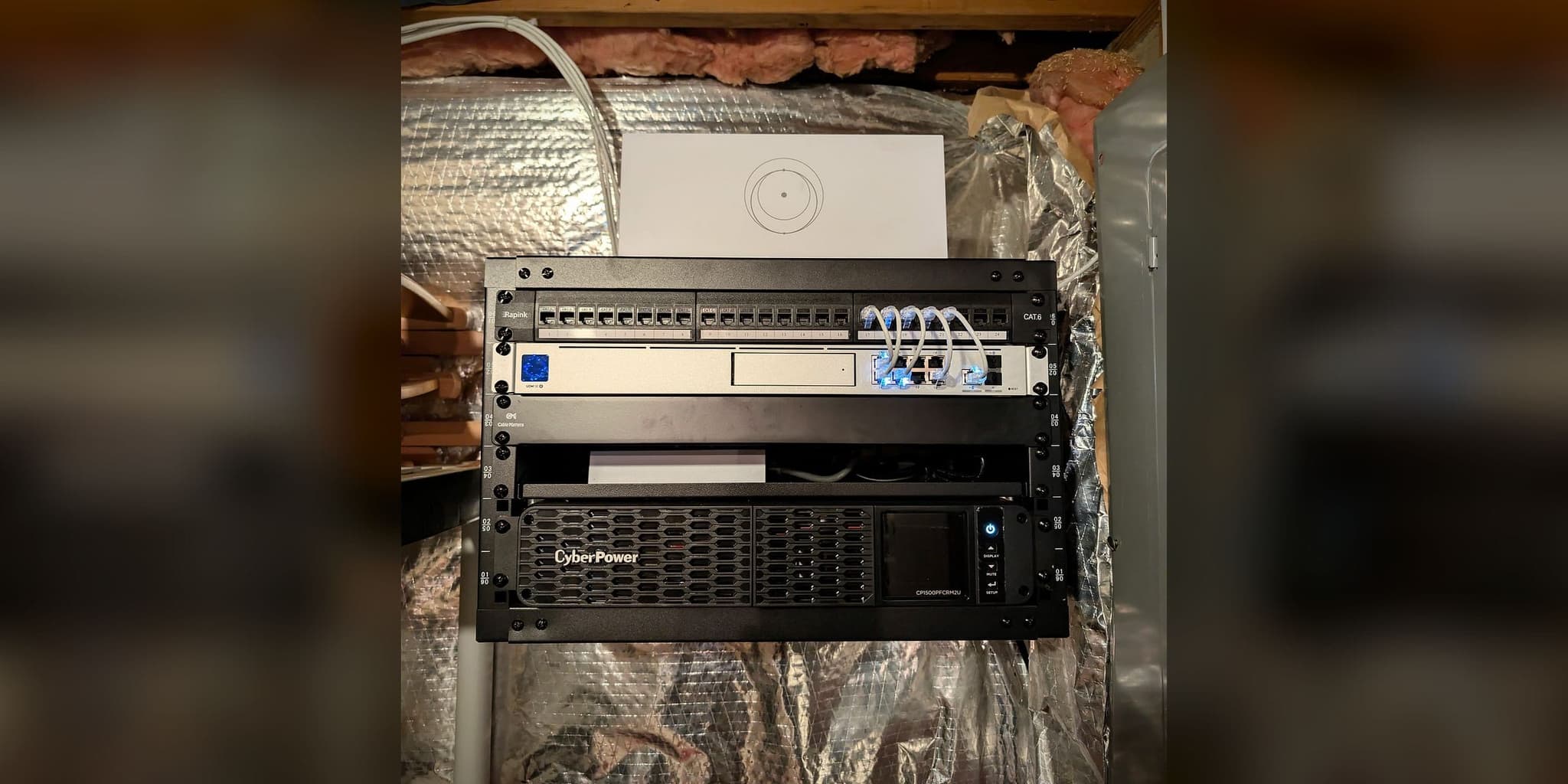
The documented example is our Purcellville house and guest house (August 2026): a point-to-point wireless bridge carries the network from the main house to a rental guest house, where the guests get a network of their own, and both buildings run from one enclosure in the main house. No bridge link rate was recorded for that system, so none is given here. The work is part of our Estate & Multi-Building Networks service.
Hybrid backbones and the grounds between buildings
Many larger properties end up with a hybrid. Fiber reaches the structures a trench can reach, a bridge reaches the one it cannot, and the grounds between them, the pool, the gardens, the driveway, the pavilion, are served by outdoor-rated access points on their own dedicated runs rather than by signal spilling out of a window.
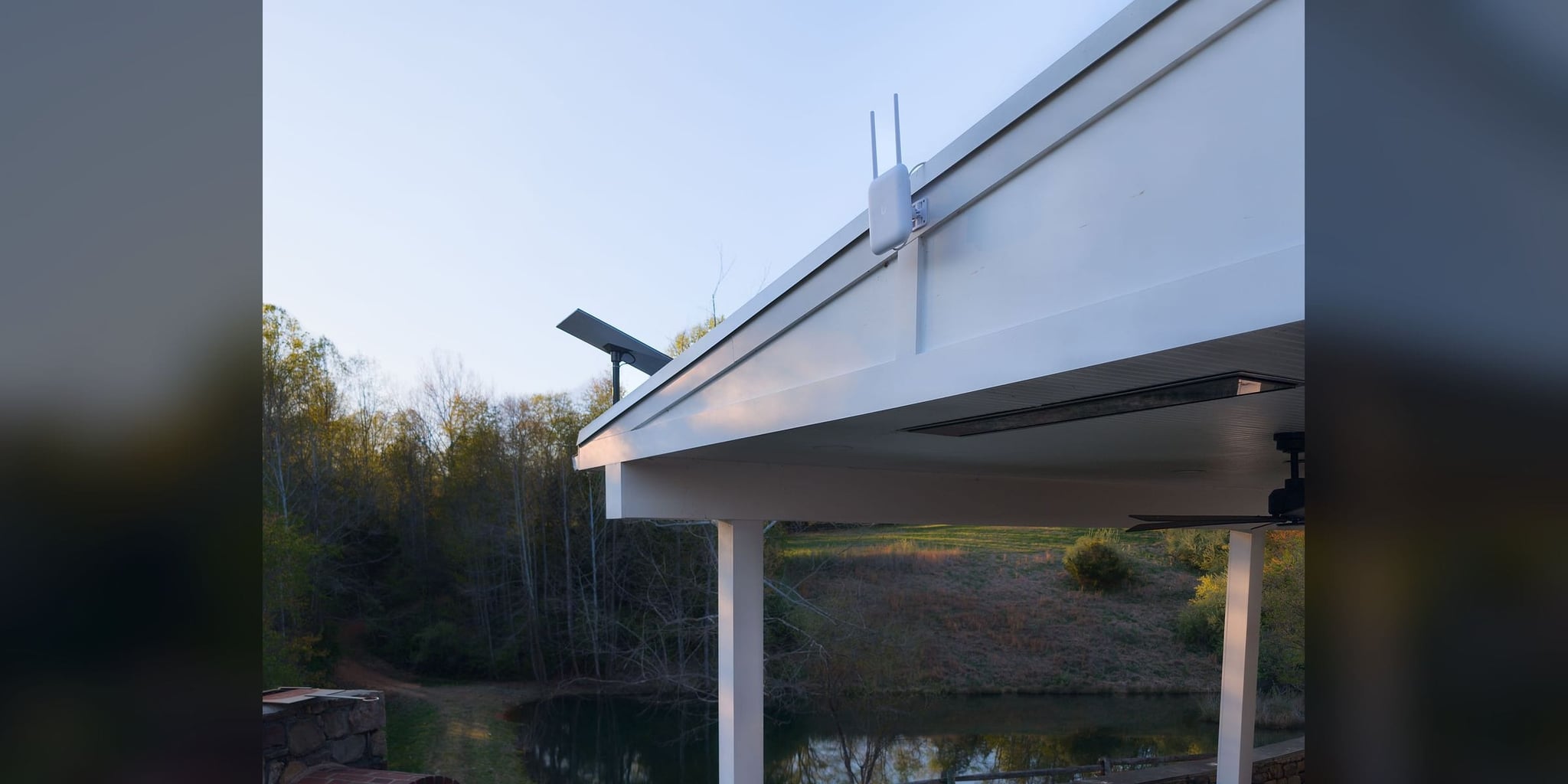
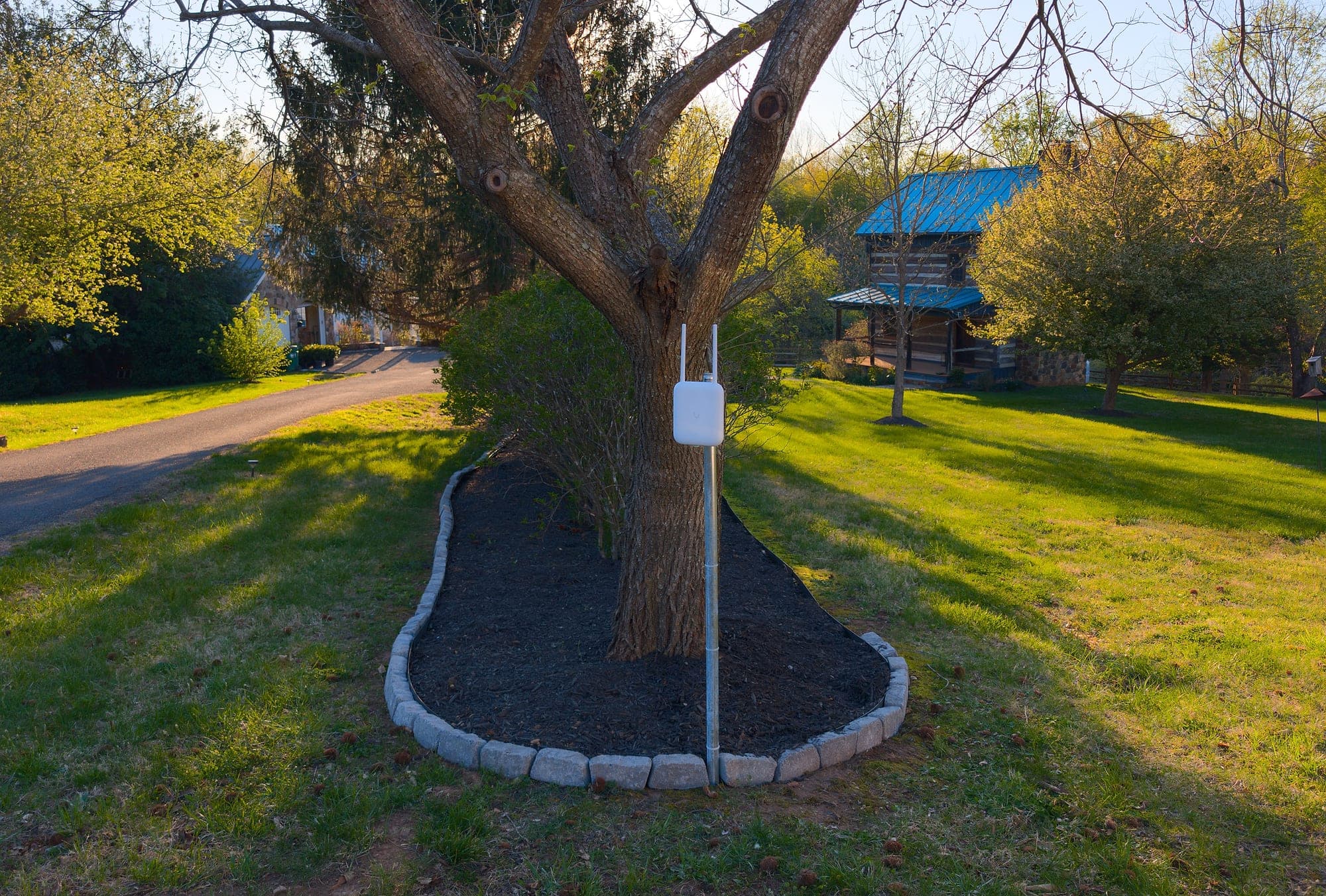
The documented reference for the outdoor layer is our Castleton estate: a main house, a covered pavilion over the pond, and a historic log cabin across 2.5 acres, previously served by a failed outdoor node. Three WiFi 7 outdoor access points went in at the pavilion fascia, a driveway post at the midpoint, and the main house, hardwired over Cat6 through dual attic runs and underground infrastructure. One SSID with fast roaming, coverage and roaming verified between the house, pavilion, and cabin at commissioning, and 200 to 300 Mbps measured at one garden location. The Starlink dish shares the pavilion fascia with the access point, on the same structure and the same planned cable path.
Inside each building: cabling, switching, and segmentation
The backbone delivers capacity to each structure. What happens inside decides whether the guest house behaves like part of the property or like a weak extension of it.
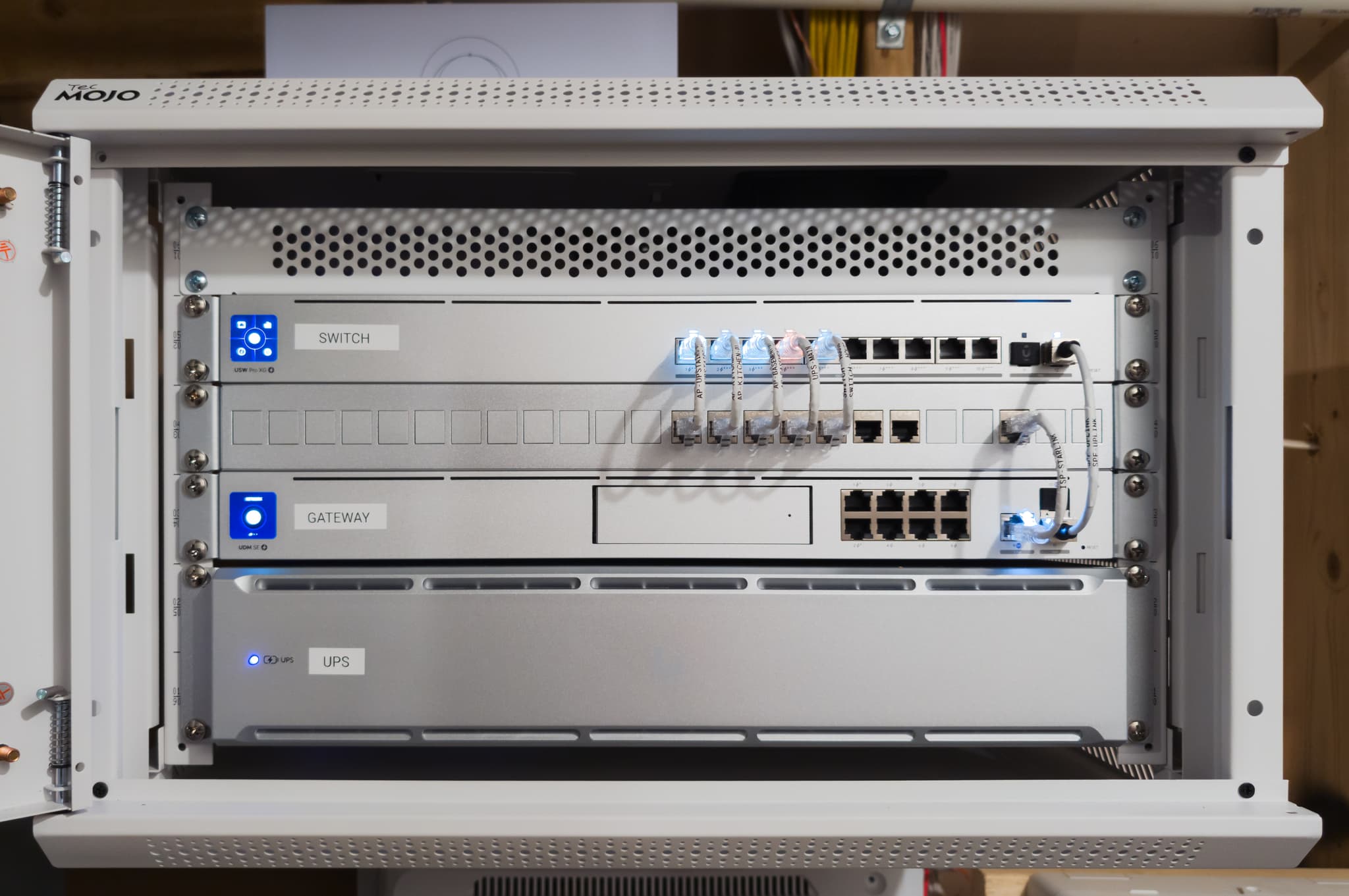
Each building gets its own managed switching on the backbone, with PoE budget for the access points and cameras it will carry and ports in reserve. Access points are wired, placed for the rooms and outdoor zones that matter, and outdoor-rated where they live outside. One network name spans the property so the family and staff roam without reconnecting; underneath it, cameras, guest devices, building systems, and office traffic sit on separate segments, so a fault or a guest in one place cannot reach into another.
This is also where a multi-building property connects to the rest of its infrastructure. The primary and backup internet paths, protected power for the core, and any local recording are designed as one continuity decision rather than bolted on building by building. We cover the failover half of that in our article on internet failover for home offices.
What a documented backbone includes
A backbone nobody can read is the next installer’s archaeology project. Every inter-building link we build is handed over with the fiber route or bridge alignment recorded, the switching and access point records for each structure, credential handoff matched to scope, and the expansion path for the next building or outdoor zone.
That record is the difference between an estate network that is owned and one that is merely installed.
Choosing the backbone for your property
The decision follows the property, and it usually resolves in this order.
- 01
Fiber, when a permanent path can be built
A trench or conduit route exists or can be created; the buildings will stand for decades; capacity and surge isolation matter. This is the default for an estate that is being built or renovated.
- 02
A point-to-point bridge, when the path cannot
Rock, driveways, mature root systems, protected ground, or an existing landscape that cannot be opened; a clear line of sight between mounting points; a span within the radio’s rating.
- 03
Hybrid, when the property is mixed
Fiber to the structures a trench can reach, a bridge to the one it cannot, outdoor access points on dedicated runs for the grounds between them. This fits a property where some buildings can be trenched to and one cannot.
- 04
Mesh between buildings only when the gap is short and clear
Mesh can serve rooms inside a structure that already has a wired feed, and it can sometimes reach a nearby building across a clear path. Where the far building matters, or the path crosses trees or a long distance, a cable or a bridge is the dependable choice.
When distances, tree lines, existing conduit, or mounting points need checking on site, the paid On-Site Assessment covers that before equipment is recommended; clearly defined work goes straight to a written quote. For a property being built or renovated, the backbone is decided before the ground is closed; see how we engineer infrastructure during new construction. The full scope for multi-structure properties is described under Estate & Multi-Building Networks.