.png&w=96&q=75)
The Situation
Your dad called again last night. The video froze halfway through the conversation, then the call dropped entirely. Or maybe it was your mom, mentioning that the internet "went out again" and she couldn't get her shows to load. You've been through the usual troubleshooting over the phone — restart the router, check the cables, call the provider. None of it sticks. The underlying problem is the connection itself, and you already know the answer is Starlink.
What you probably don't know is how to make it happen from where you are, without turning it into a project that eats your weekend or frustrates your parent even more. Starlink's self-install kit assumes a technically confident user who can assess roof angles, identify obstructions, route cable through walls, and configure a network. That's a lot to ask of someone who just wants their internet to work. And shipping the box to your parent with instructions doesn't solve the problem — it creates a new one.
This guide walks through how to arrange a professional Starlink installation for your parent in Northern Virginia, start to finish, without needing to be there.
Why Starlink Is the Right Choice for Rural and Suburban NoVA Properties
Large parts of Northern Virginia look suburban on a map but behave like rural infrastructure zones when it comes to internet. Properties in Great Falls, Western Loudoun, parts of Fauquier County, and the areas around Middleburg sit outside reliable fiber and cable coverage. What's available is often DSL running over decades-old copper, fixed wireless that degrades in weather, or legacy satellite with painful latency and strict data caps.
Starlink changes the available options because its low-earth orbit architecture differs from legacy satellite service. It may support video calls, streaming, and connected-home devices where the property has a workable sky view, but actual performance depends on the service plan, obstruction, congestion, weather, and the home network.
The Problem With Self-Installation (And Why It Matters for Your Parent)
Starlink markets itself as a self-install product, and for a certain type of user, it is. But there's a meaningful gap between "technically possible to self-install" and "a good experience for a 70-year-old who didn't ask for a hardware project."
The process starts with ordering equipment, which involves navigating Starlink's website, selecting the right hardware tier, and confirming the service address. Once the kit arrives, the real complexity begins. The dish needs a mounting location with a clear view of the northern sky. Starlink provides an obstruction-checking app, but interpreting the results and choosing between a roof mount, ground pole, or chimney mount requires judgment that comes from experience, not a tutorial video.
Then there's cable routing. The dish connects to the router via a proprietary cable that needs a clean path through an exterior wall, attic, or conduit. Getting this wrong means visible cable runs, water intrusion risks, or a cable stretched across a doorway. The router then needs to go somewhere that provides whole-home coverage, which may not be near where the cable enters.
Each step is solvable individually. Stacked together, they add up to a full day of work requiring tools, a ladder, a drill, and the confidence to put holes in a house. That's not a kit — that's a job.
What a Professional Installation Actually Includes
The difference between a Starlink box arriving on a doorstep and a professional installation is the difference between receiving a problem and receiving a solution.
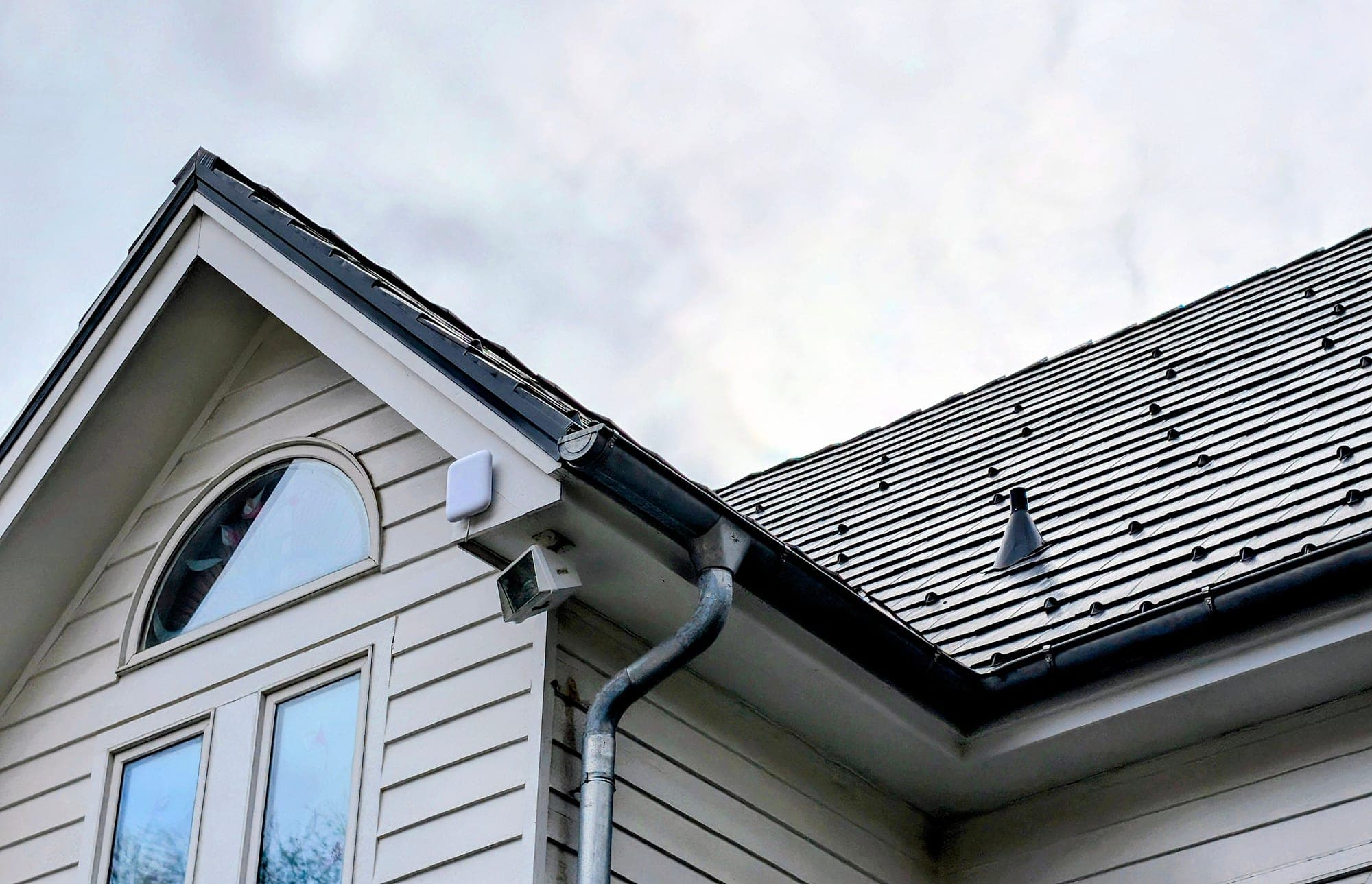
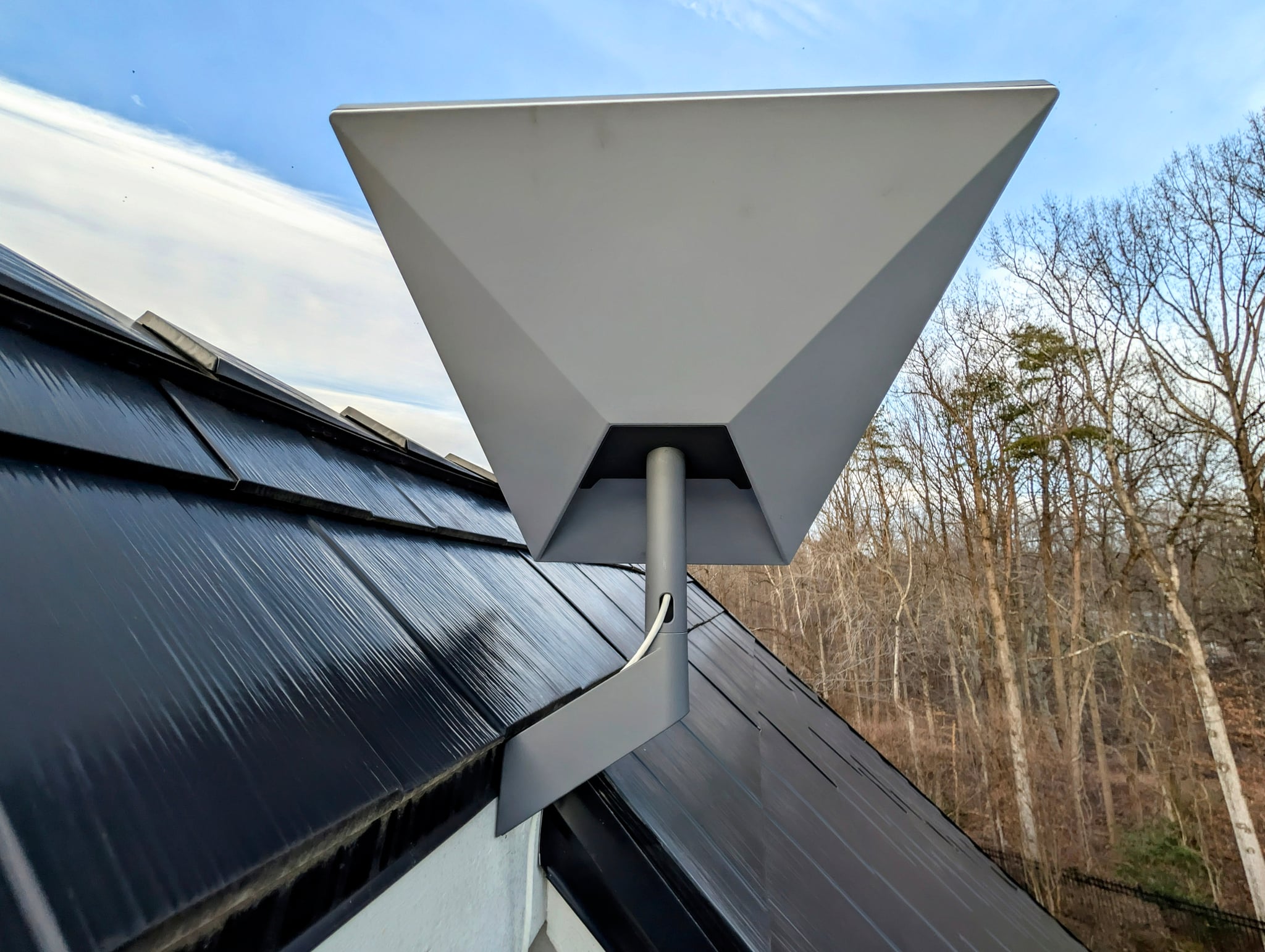
A full-service installer handles equipment sourcing so your parent doesn't need to navigate Starlink's ordering process. They conduct a site survey to identify the optimal mounting location with zero obstructions, accounting for trees that may grow into the signal path seasonally. The dish gets mounted permanently using appropriate hardware for the surface — comp shingle roof, standing seam metal, or a ground pole in the yard.
Cable routing is done cleanly, through walls with proper weatherproofing, not draped across a porch. The indoor router is placed for best whole-home coverage and connected to the home network so existing devices like smart TVs, thermostats, and security cameras continue working without reconfiguration.
At The Orbit Tech, every installation ends with a speed test confirming performance, a simple one-page reference sheet left with the homeowner explaining the system in plain language, and a direct phone number for follow-up support. Your parent isn't left staring at a blinking router wondering what to do next. They're left with working internet and someone to call if anything changes.
How to Arrange This Remotely — A Step-by-Step Guide
This is the part that matters most. You can arrange everything your parent needs without driving out for a weekend. Here's the process.
Confirm your parent's address and property type.
Verify the exact service address and note the basics: single-story or two-story? Roof accessible, or would a ground pole make more sense? Heavy tree cover? You don't need a full site survey — just enough so the installer can prepare.
Choose a full-service installer, not just a mounting service.
Many contractors will mount a Starlink dish, but that's only one piece. Look for someone who sources equipment, handles network integration, and provides documentation afterward. A complete installation isn't just bolting hardware to a roof.
Have the right information ready when you call.
The installer will want to know the property address, your parent's availability, the roof or mounting surface type, whether there are existing network devices to integrate, and how you'd like to stay in the loop (text, email, or a call when it's done).
Let the installer coordinate directly with your parent.
A good installer will contact your parent to confirm the appointment and handle access details. You don't need to be the middleman — just a confirmation that everything is scheduled.
Know what to expect on installation day.
The time on site depends on the mount and the cable route, and we confirm it with the quote. Your parent doesn't need to do anything except let us in. Everything else is handled.
Confirm the post-install handoff.
When the installation is finished, your parent should have working internet, a written reference explaining the system, and a direct contact number for the installer. Ask your installer to confirm these items with you after the job.
What to Look for in a Northern Virginia Starlink Installer
Not every installer is set up to handle the full scope of what your parent needs. When evaluating options, look for a few specific things.
First, licensing and insurance. Anyone putting holes in a roof or running cables through walls should carry general liability coverage. Ask for proof of coverage in writing — a vague "yes, we're insured" isn't verification.
Second, the ability to source Starlink equipment directly. If an installer requires you to pre-order the hardware and just shows up to mount it, they're providing a partial service. A full-service provider handles equipment as part of the job.
Third, communication. You're arranging this for someone else. The installer should be comfortable coordinating with your parent and updating you on progress. If their process doesn't account for the fact that the person booking isn't the person at the property, that's a signal.
Fourth, reviews from similar situations. Look for testimonials from other adult children who arranged installations remotely, or from homeowners in Great Falls, McLean, Potomac, Bethesda, and Western Loudoun. Geography matters because tree cover, roof types, and lot sizes vary across Northern Virginia.
Finally, ask what happens if something needs adjustment after the installation — a shifted mount, a loosened connection, anything that shows up once your parent starts using the system daily. The equipment itself carries a manufacturer warranty, but the installation work is a separate question. A full-service installer should give you a straight answer about who to call and get it in writing before you book, not a vague reassurance.
Frequently Asked Questions
Can I arrange Starlink installation for my parents without being there?
Yes. A full-service Starlink installer will coordinate directly with your parent once you've booked the appointment. You provide the service address, property details, and your parent's availability. The installer handles the rest, including scheduling confirmation, the installation itself, and a post-install walkthrough with your parent. You do not need to be there on installation day.
Does someone need to pre-order Starlink equipment before the installer arrives?
Not with a full-service provider. Professional Starlink installers like The Orbit Tech source the equipment directly, so your parent doesn't need to navigate the ordering process or wait for a separate delivery. The hardware arrives on installation day, ready to go.
How long does a professional Starlink installation take?
It depends on roof access, the cable route, and how Starlink joins the home network, so we confirm the timing with the quote, once the scope is known. The visit covers choosing and preparing the mounting location, installing the dish, routing cable into the home, setting up the router, connecting existing devices, and checking performance. Ground-pole mounts, long cable runs, and heavy tree cover add time.
What areas of Northern Virginia does The Orbit Tech serve?
The Orbit Tech is based in Reston, VA and serves Northern Virginia and Washington-area Maryland. This includes Great Falls, McLean, Arlington, Fairfax, Potomac (MD), Bethesda (MD), Western Loudoun, Middleburg, Warrenton, and surrounding communities across the DC metro area.
What happens if something goes wrong after the installation?
Your parent can call or email Eric directly — no call center. The installation carries a workmanship warranty, and later help is arranged case by case.
The Next Step
If you've been putting this off because the logistics felt complicated, they don't have to be. One call or one online booking gets your parent on the schedule. The equipment, the installation, the cleanup, and the walkthrough are all handled by the same person. Your parent gets working internet and a number to call. You get to stop worrying about it.